- Current versionv89700 (8.9.7)
- App size35.62 MB
- LanguageEnglish
- About
- Info
About this app
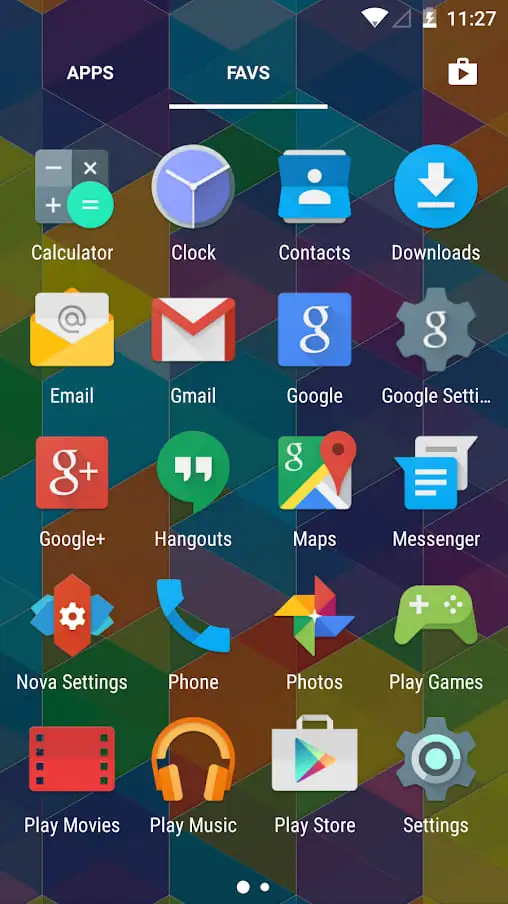
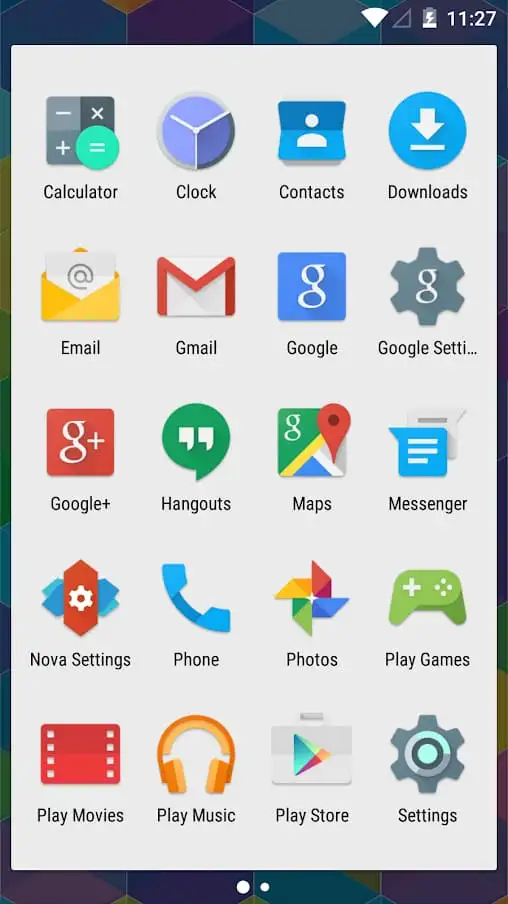
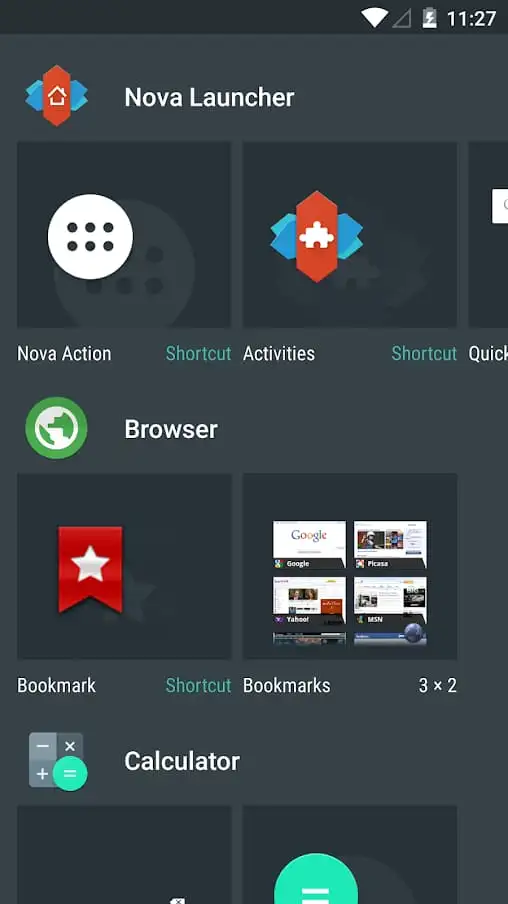
Nova Launcher is a dynamic Android application that offers users the ability to customize and transform their device's interface. This versatile launcher replaces the standard home screen layout, providing a wide array of features for personalizing themes, colors, and visual elements. Android users will find Nova Launcher fascinating because it empowers them to break free from the limitations of default interfaces, allowing them to tailor their device to better reflect their unique style and preferences. Whether updating colors or altering layouts, Nova Launcher offers an improved user experience with innovative customization options.
Key Features and Functions
Nova Launcher stands out with its impressive range of customization tools designed to enhance Android devices. Users can adjust color palettes to match personal preferences, ensuring every aspect of the visual experience feels precisely calibrated. The app also allows for the customization of icons to renew their appearance, addressing any monotony that might arise from repetitive interfaces. Moreover, the launcher includes gesture controls, hidden apps, and icon swipes for advanced usability, which are not typically found on default devices.
User Experience and Interface
The user interface of Nova Launcher is designed to be intuitive and adaptable. It offers a host of animation options for scrolling and transitioning between tabs and apps, thereby keeping the user experience engaging and dynamic. Users can also import layouts from other launchers, which adds an extra layer of customization to fit distinct user needs. This flexibility ensures that the workflow remains fluid and personalized, as users can customize Dock bars and keep their operations organized and seamless.
Practical Applications and Benefits
Nova Launcher is perfect for users looking to rejuvenate their device’s interface without purchasing a new phone. It’s particularly beneficial for those who appreciate a high degree of personalization, as it supports the modification of virtually every aspect of the Android home screen. The app’s versatility makes it a valuable tool for achieving a modern and stylish interface that aligns with personal aesthetics and usability preferences.
Advantages and Limitations
While Nova Launcher offers an array of customization options and performance improvements, it does require compatible Android devices to utilize its full suite of features. This may limit some users who have older hardware or devices with constrained capabilities. Nonetheless, for those with suitable devices, Nova Launcher promises an expansive and satisfying customization experience.
Explore More with Nova Launcher
For Android users enthusiastic about visual transformations and hands-on customization, Nova Launcher offers a powerful and enriching experience. The application allows users to redefine interfaces without additional costs, offering premium functionalities and varied design choices. Whether you're a fan of complex layouts or straightforward simplicity, this launcher provides an array of options to suit your style. Interested users can explore Nova Launcher further by accessing Android download platforms to take advantage of its extensive customization capabilities.
App info
- App nameNova Launcher
- Versionv89700 (8.9.7)
- App size35.62 MB
- CategoryTheme Wallpapers
- LanguageEnglish
- DeveloperNova Launcher.
- Package namecom.teslacoilsw.launcher
- Updated2026-11-17
Others also installed





Related topics
See more- Best Tools Apps




You may also like
Refresh