
- Current versionv16.0.20228.20090
- App size134.92 MB
- LanguageEnglish
- About
- Info
About this app
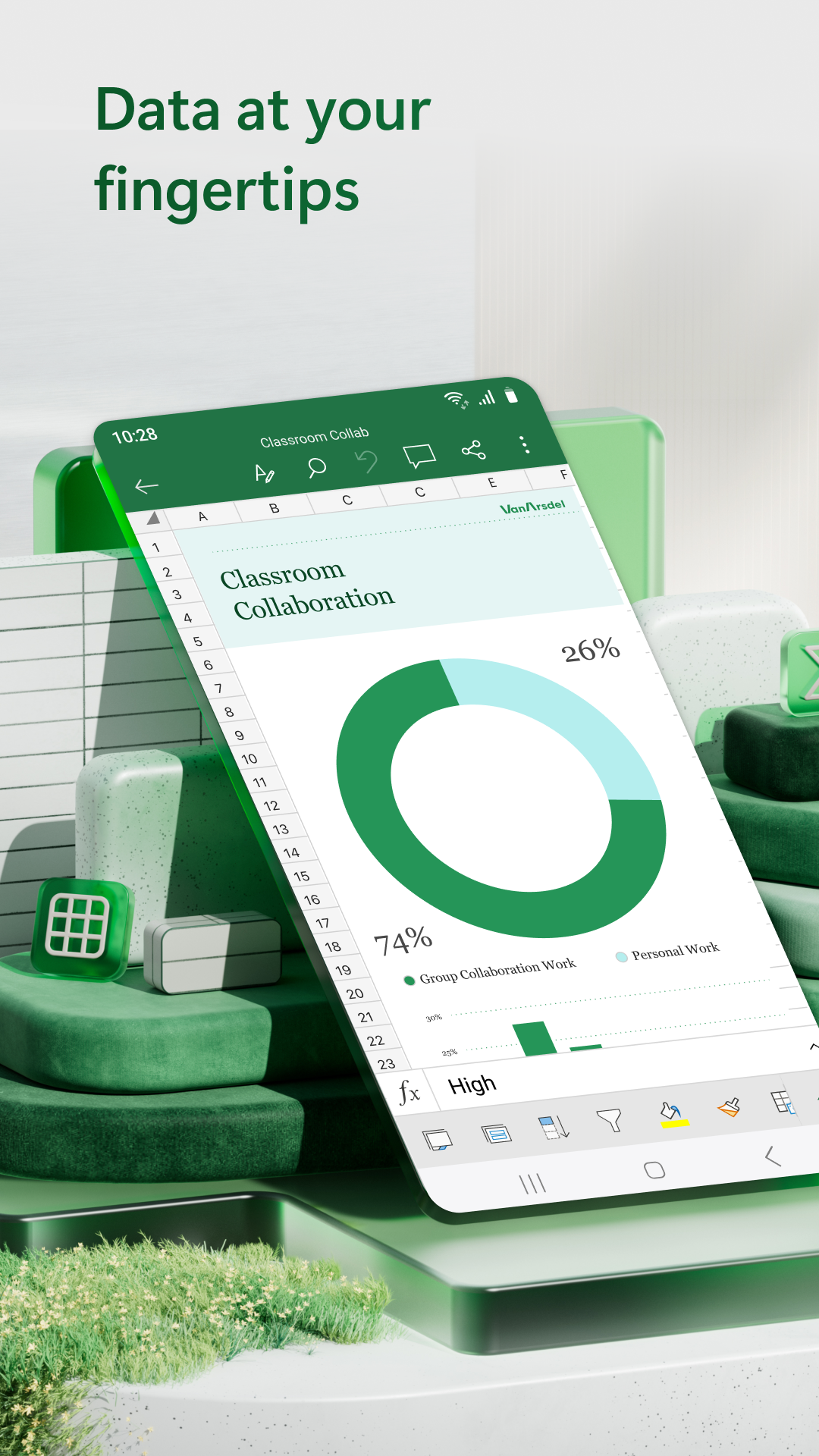
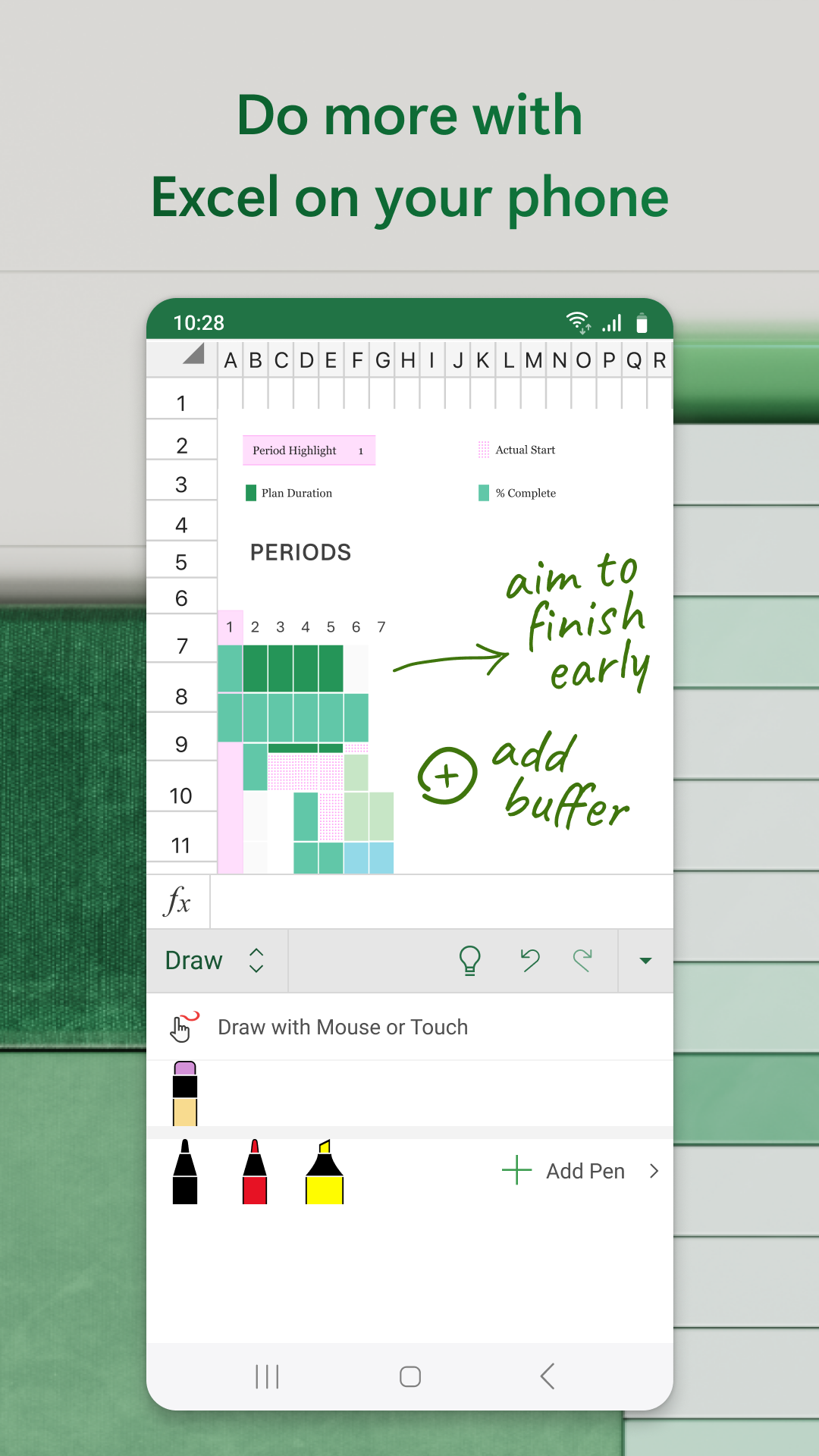
Microsoft Excel is a versatile Android application designed to bring the powerful spreadsheet capabilities of Excel to your mobile device. Ideal for anyone looking to manage finances, create charts, and analyze data on-the-go, Microsoft Excel's mobile app offers a robust suite of tools that empower users to handle tasks efficiently. With functionalities like budget creation, editing documents, and expense tracking at your fingertips, users can seamlessly transition from desktop to mobile. Thanks to the app's intuitive interface, Excel promises both convenience and precision in handling financial data directly from your Android device.
Practical Functions and Tools
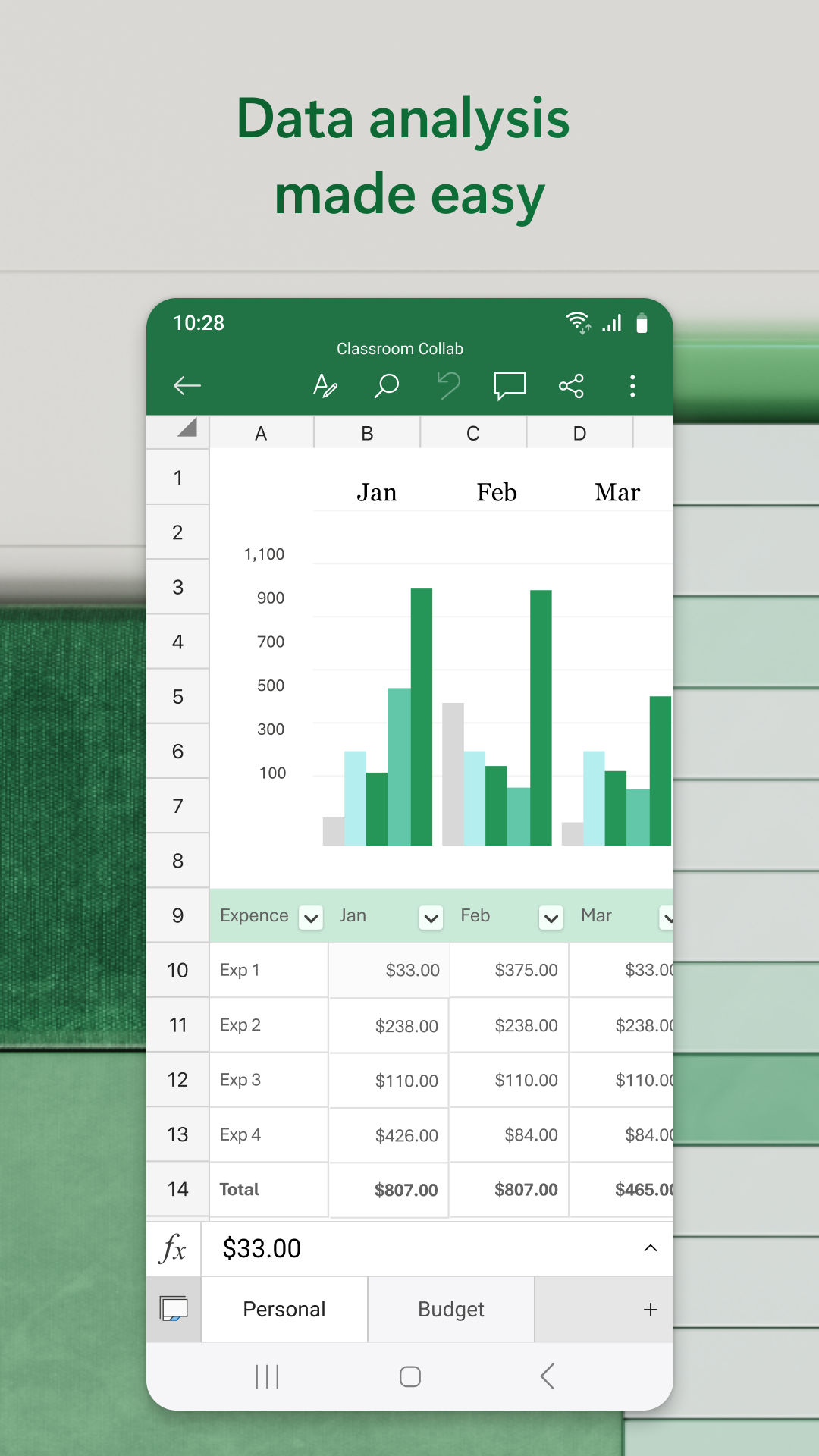
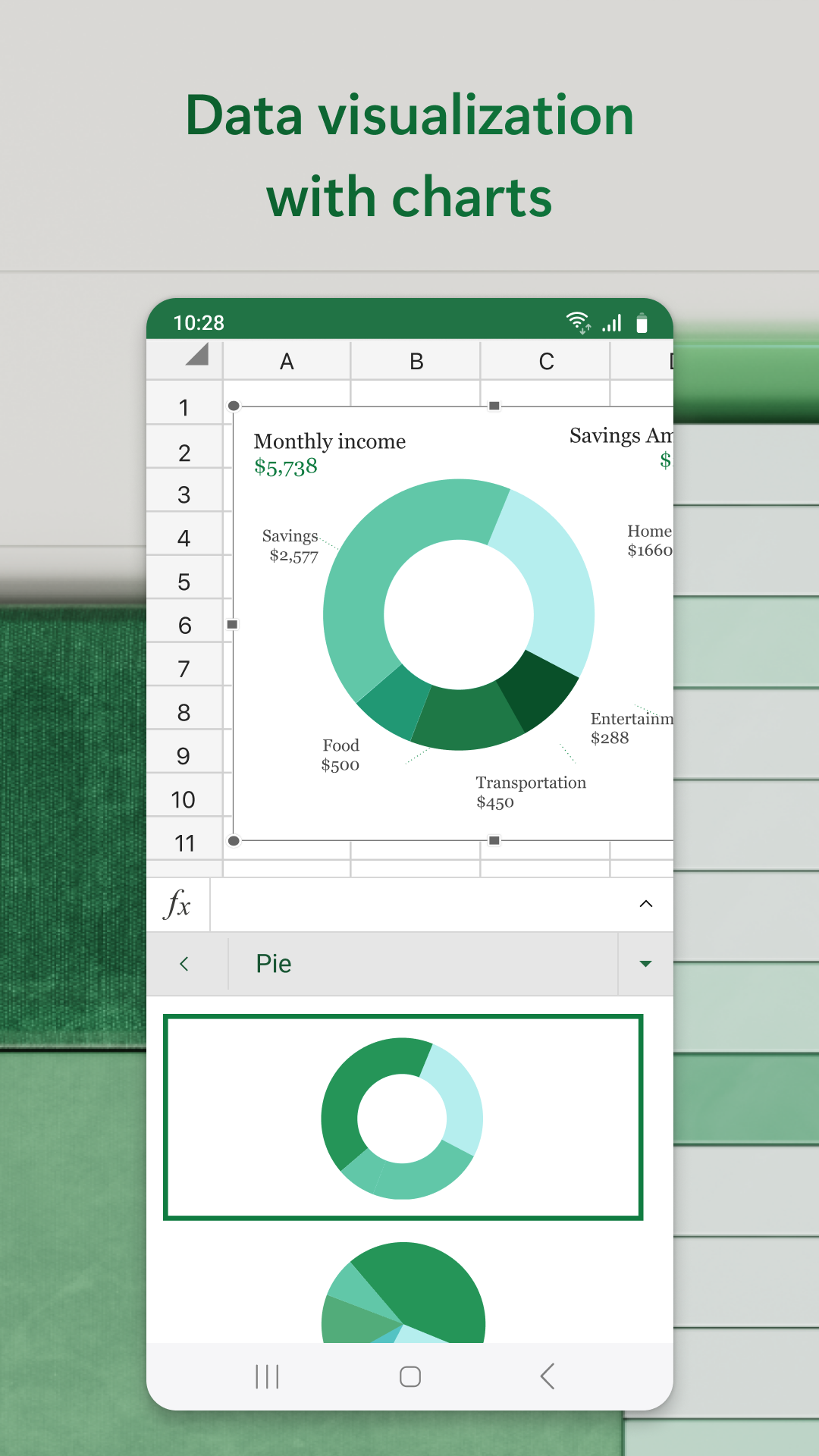
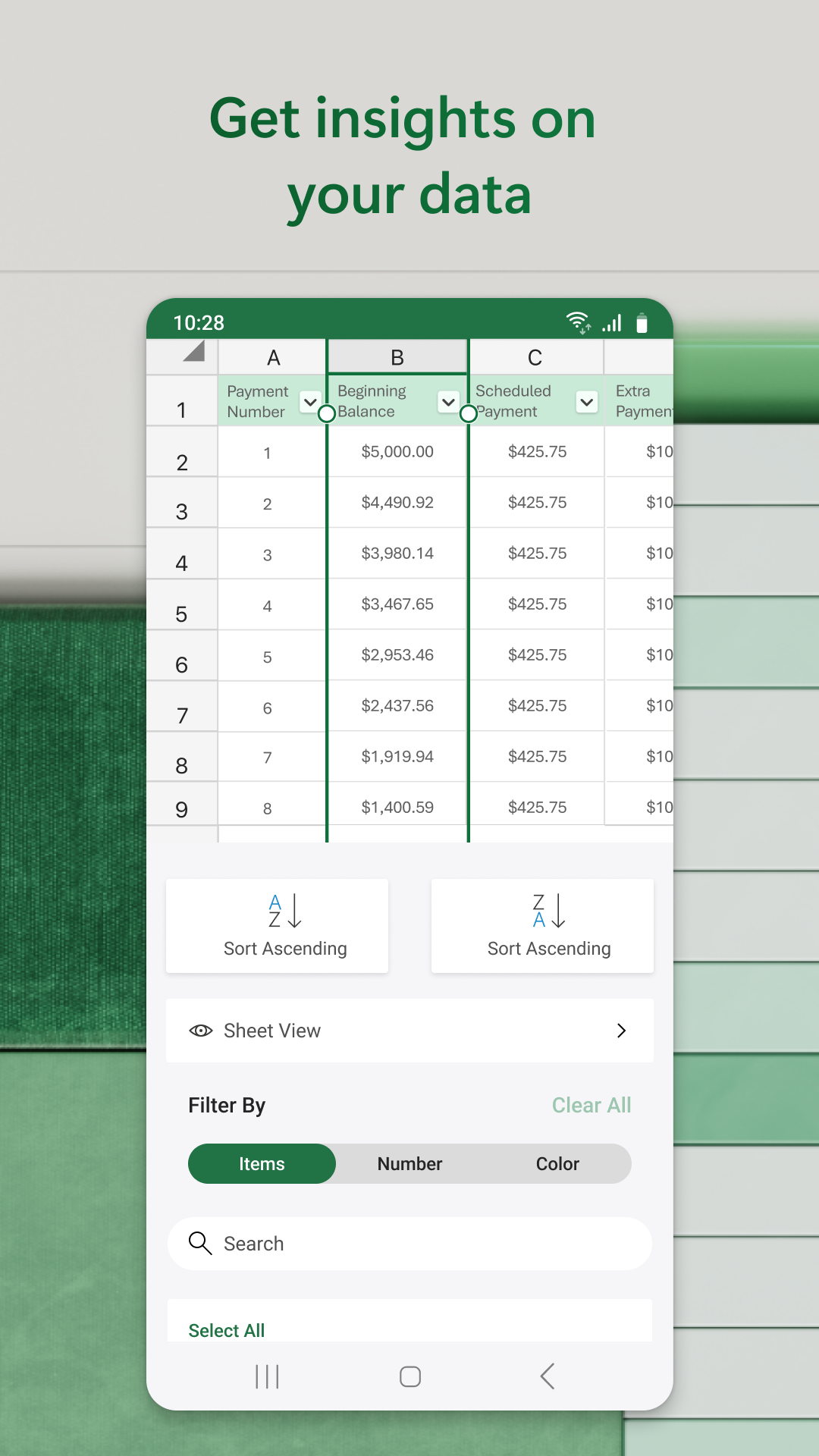
Microsoft Excel for Android mirrors its desktop counterpart by providing comprehensive functionalities suitable for a variety of financial tasks. Users can effortlessly create budgets, annotate, and edit documents. The app accommodates diverse data analysis needs with tools like pivot tables and chart makers, allowing users to visualize and interpret data meaningfully. With Excel’s robust accounting calculator, users can confidently manage their finances, whether personal or professional.
Intuitive User Interface
Excel for Android is designed with a user-friendly interface that optimizes mobile usability. Although entering text requires adjustment due to the smaller screen size, intuitive gestures such as double-tapping a cell to enter or edit text enhance the mobile experience. The app supports external keyboards, allowing users to employ familiar shortcuts, and provides multi-line text capabilities within cells, making complex data entry much simpler.
Seamless Data Manipulation
One of the time-saving features of Microsoft Excel for Android is AutoSum, which allows users to quickly add rows or columns of numbers. To sum data, users simply select their desired cell range and utilize the AutoSum function to display totals effortlessly. For handling larger datasets, Excel offers touch gestures and range selection shortcuts, streamlining the data manipulation process for mobile users.
Compatibility and Accessibility
Microsoft Excel for Android ensures users can carry their essential spreadsheet capabilities wherever they go. The app is compatible with a wide range of devices, offering flexibility and accessibility for busy professionals. Further enhancing its utility, Excel supports several touch gestures, making navigation and functionality integration smooth and intuitive.
Explore Microsoft Excel on Android
Microsoft Excel on Android serves as a comprehensive tool for users who seek to maintain productivity beyond the desktop. Whether managing finances, creating engaging charts, or analyzing complex data sets, Excel offers dependable features and an adaptable interface. Its compatibility and potent functionality make it an essential app for anyone needing reliable spreadsheet management on-the-go. For those interested in exploring Excel’s capabilities further, accessing its download information provides an ideal starting point for transforming the mobile productivity experience.
App info
- App nameMicrosoft Excel
- Versionv16.0.20228.20090
- App size134.92 MB
- CategorySystem Tools
- LanguageEnglish
- DeveloperMicrosoft Corporation
- Package namecom.microsoft.office.excel
- Updated2026-11-16
Others also installed






Related topics
See more- Wallpaper Free APPS
- Communication apps free
- Best Tools Apps
- Video Players Apps



You may also like
Refresh