
- Current versionv2.26.447.0.all.alldpi
- App size125.8 MB
- LanguageEnglish
- About
- Info
About this app
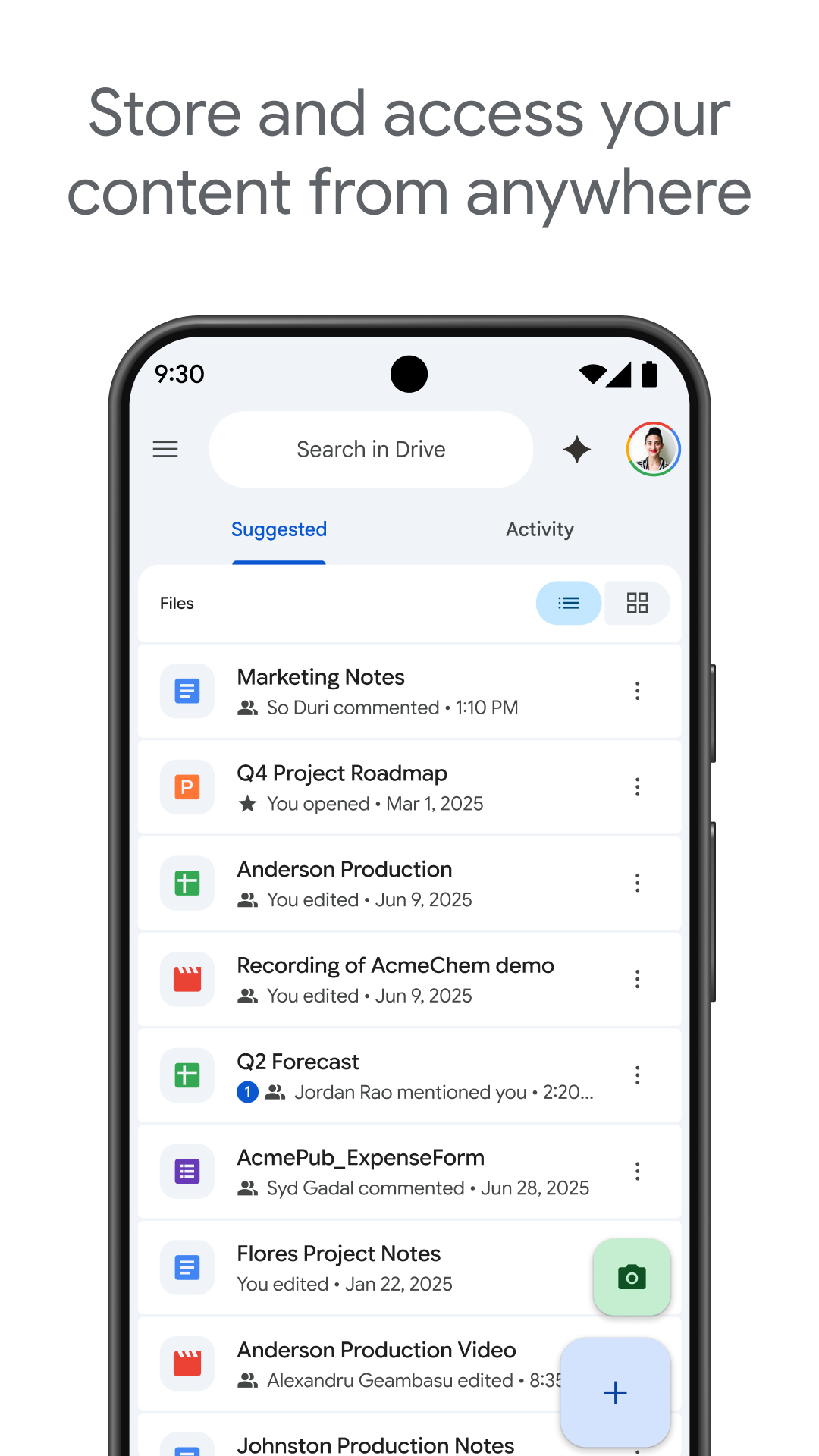
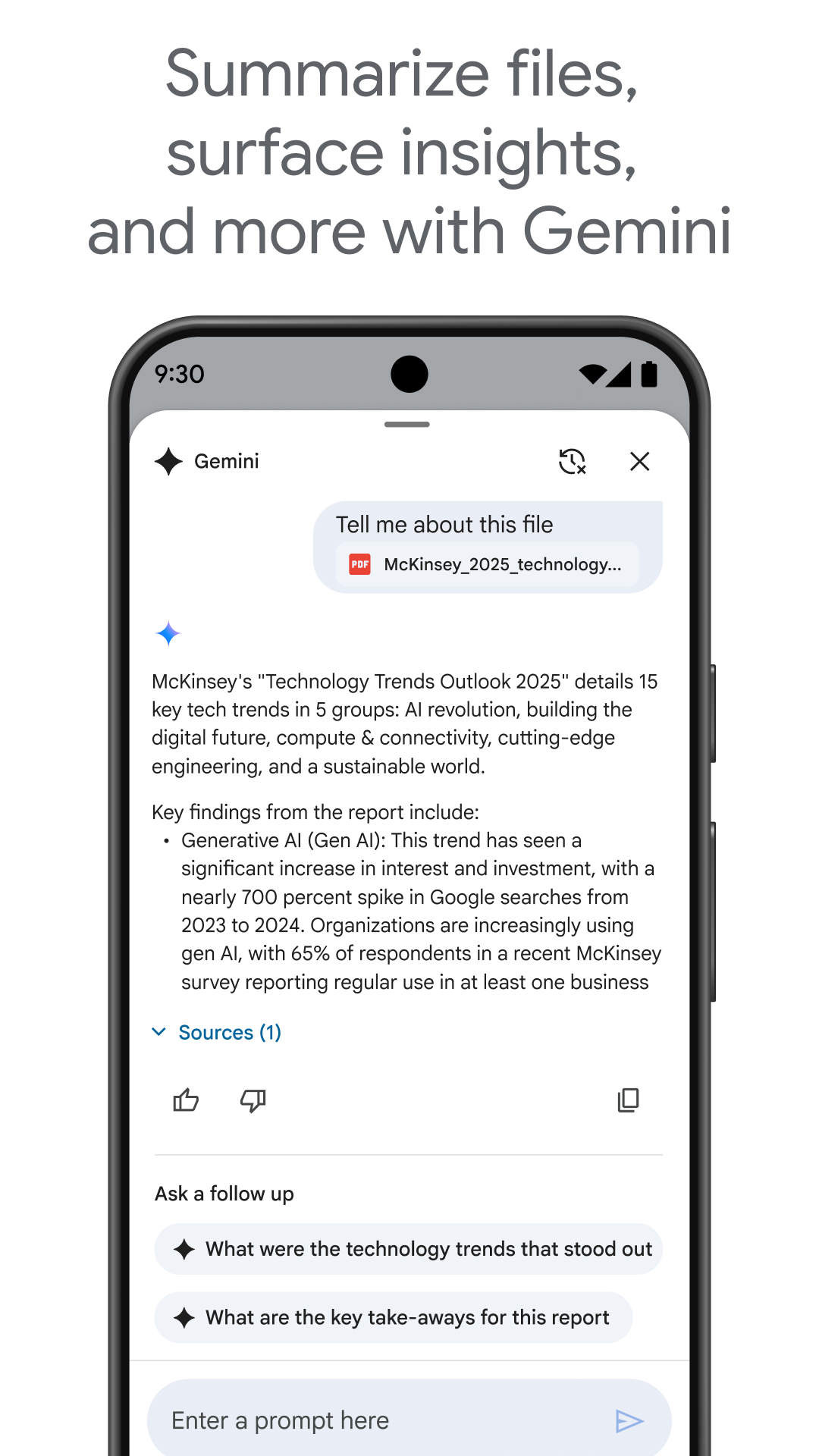
Google Drive is a versatile Android application designed to allow users to securely store, organize, and collaborate on files from anywhere. Acting as a digital counterpart to traditional file cabinets, Google Drive ensures that your documents are always within reach without the fear of losing or forgetting them. With its intuitive design and reliable storage solutions, users can manage a plethora of file types effortlessly. Whether you're uploading from a smartphone or downloading essential documents, Google Drive provides a seamless experience for both personal and professional needs.
Comprehensive File Management
Google Drive offers an array of functions that make managing files simple and efficient. Users can upload files directly from their smartphones by accessing the app and hitting the “+ New” icon, followed by selecting “Upload.” Once uploaded, these files are accessible across devices, ensuring flexibility and convenience. If you need to download files, a simple tap on the three-dot menu next to the desired file and choosing “Download” suffices. This intuitive approach to handling uploads and downloads enhances productivity and ensures secure file management.
Wide Range of Compatibility
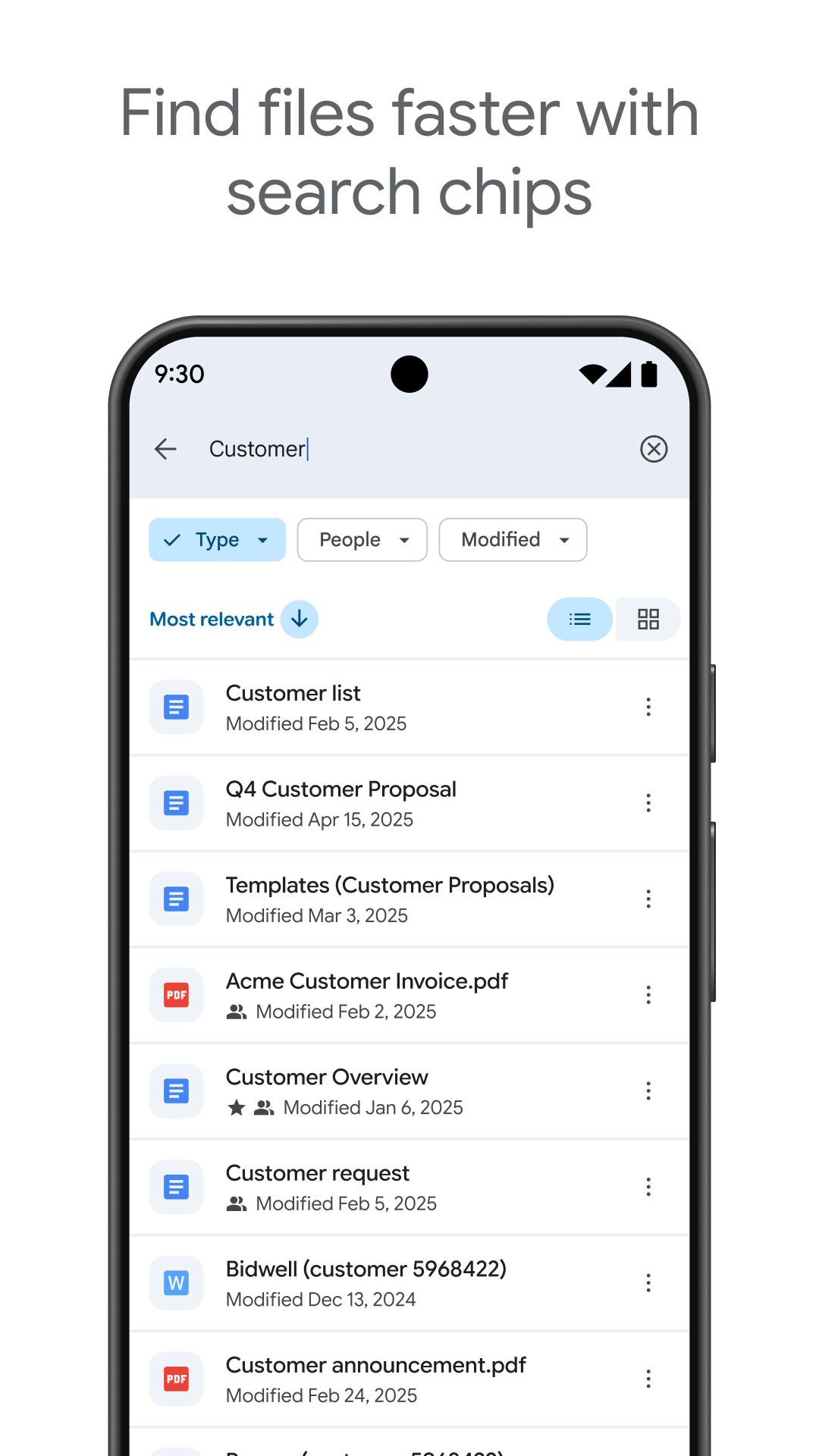
One of the standout features of Google Drive is its compatibility with over 100 different file types, including PDFs and videos. This wide-ranging support means that users can store virtually any file within the application, eliminating compatibility issues that may arise with other platforms. Moreover, Google Drive's search functionality allows users to find files with ease using name and content searches, streamlining the retrieval process.
Advanced Features for Enhanced Efficiency
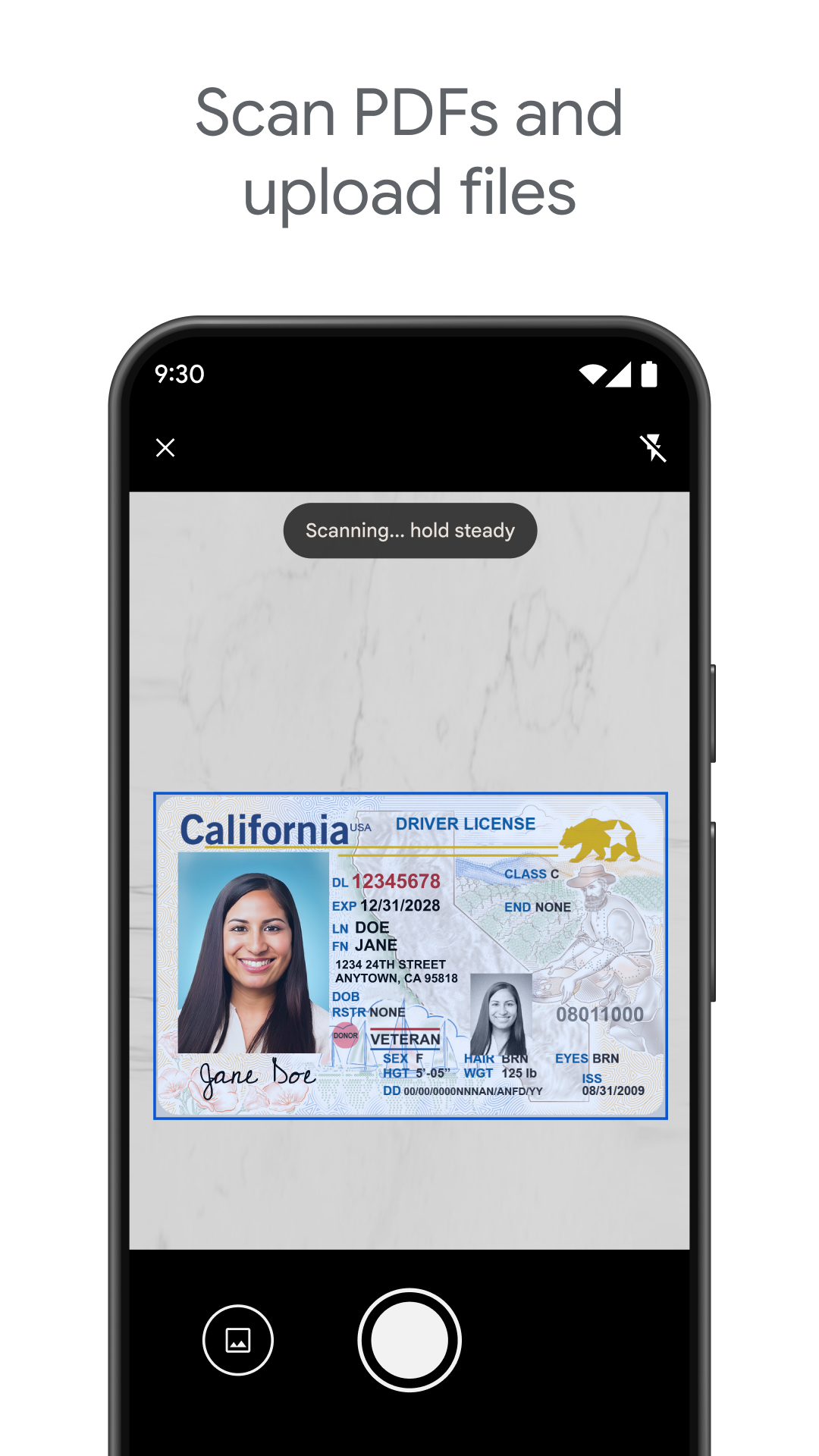
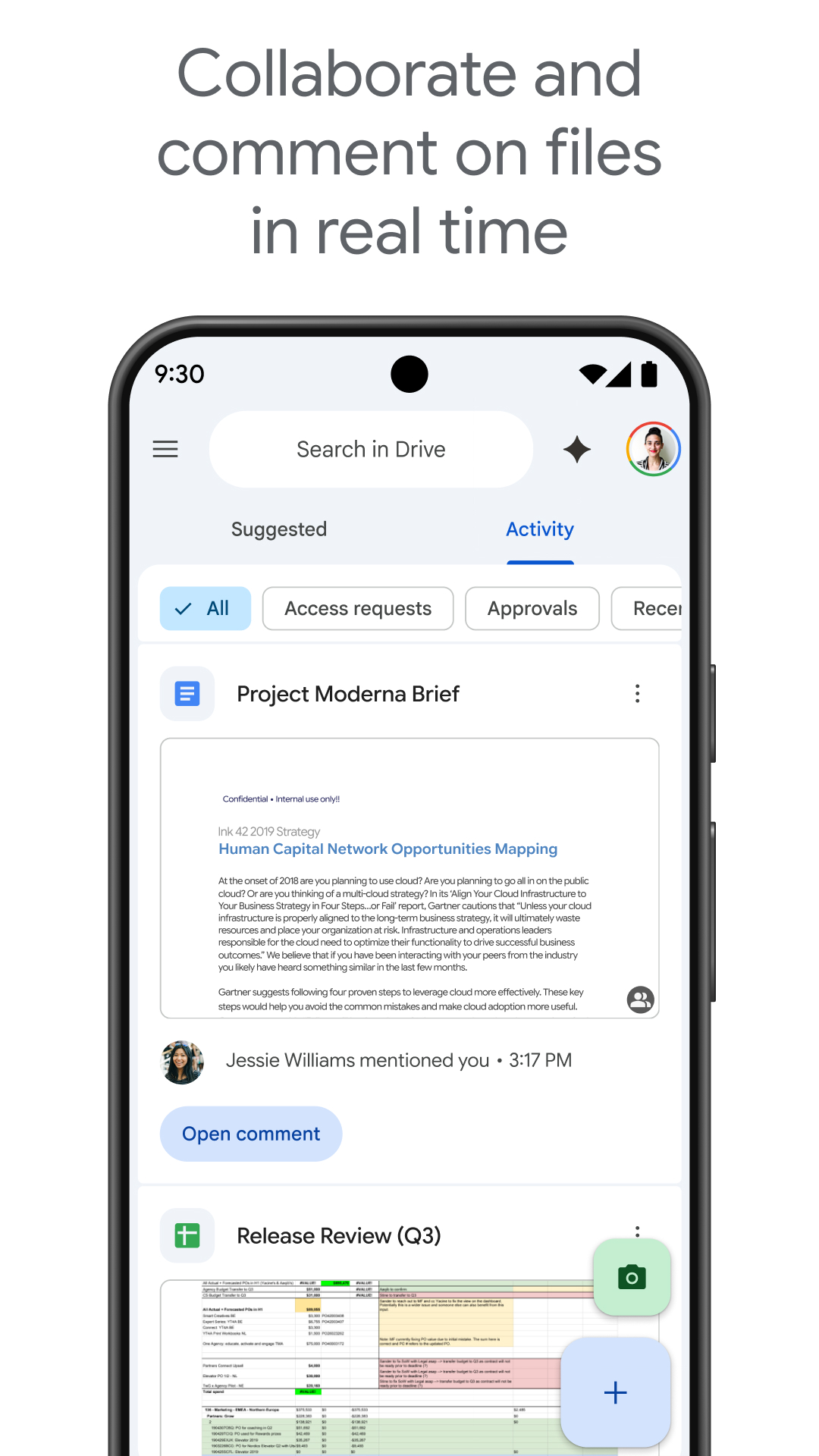
Google Drive extends its functionality beyond basic file storage with features like scanning physical documents using a smartphone camera, enabling users to digitize paperwork conveniently. It also allows offline content viewing, ensuring that essential files remain accessible even without an internet connection. Notifications keep users informed about important file activities, while file and folder sharing functionalities, with customizable permissions, facilitate seamless collaboration.
Flexible Storage Options
The app offers a built-in storage capacity of 15GB across Google Drive, Gmail, and Google Photos. For users requiring additional space, upgrading to Google One provides expanded storage options starting at 100GB for a nominal monthly fee. Organizational users can benefit even further by subscribing to Google Workspace, which includes advanced security and administrative controls, further optimizing data management and collaboration.
Cloud Storage That Simplifies Life
Google Drive is a powerful tool for anyone looking to declutter and optimize their file management process. Its versatile and secure storage features, combined with easy sharing and collaboration capabilities, make it an indispensable tool for managing digital documents efficiently. With Google Drive, Android users can ensure their files are accessible, organized, and safe, making it a must-have application for both personal and professional use. Explore Google Drive's download options to take full advantage of its offerings and experience seamless cloud storage today.
```App info
- App nameGoogle Drive
- Versionv2.26.447.0.all.alldpi
- App size125.8 MB
- CategorySystem Tools
- LanguageEnglish
- DeveloperGoogle LLC
- Package namecom.google.android.apps.docs
- Updated2026-11-16
Others also installed







Related topics
See more- Wallpaper Free APPS
- Business Apps
- Video Players Apps






You may also like
Refresh