HomeAppsSystem ToolsNotein

Notein
For Android devices
Summary
Notein is a versatile Android application designed to elevate your note-taking experience. Perfectly catering to Android users, Notein provides a robust set of features that include an intuitive interface and a unique font and color toolkit for personalizing your notes. Its main purpose is to streamline the note-taking process while offering tools that are not only functional but also enhance creativity and organization. With convenient options for backups and cross-device sync, Android users will find Notein to be an indispensable tool for staying organized and managing their thoughts effectively.
Screenshots
3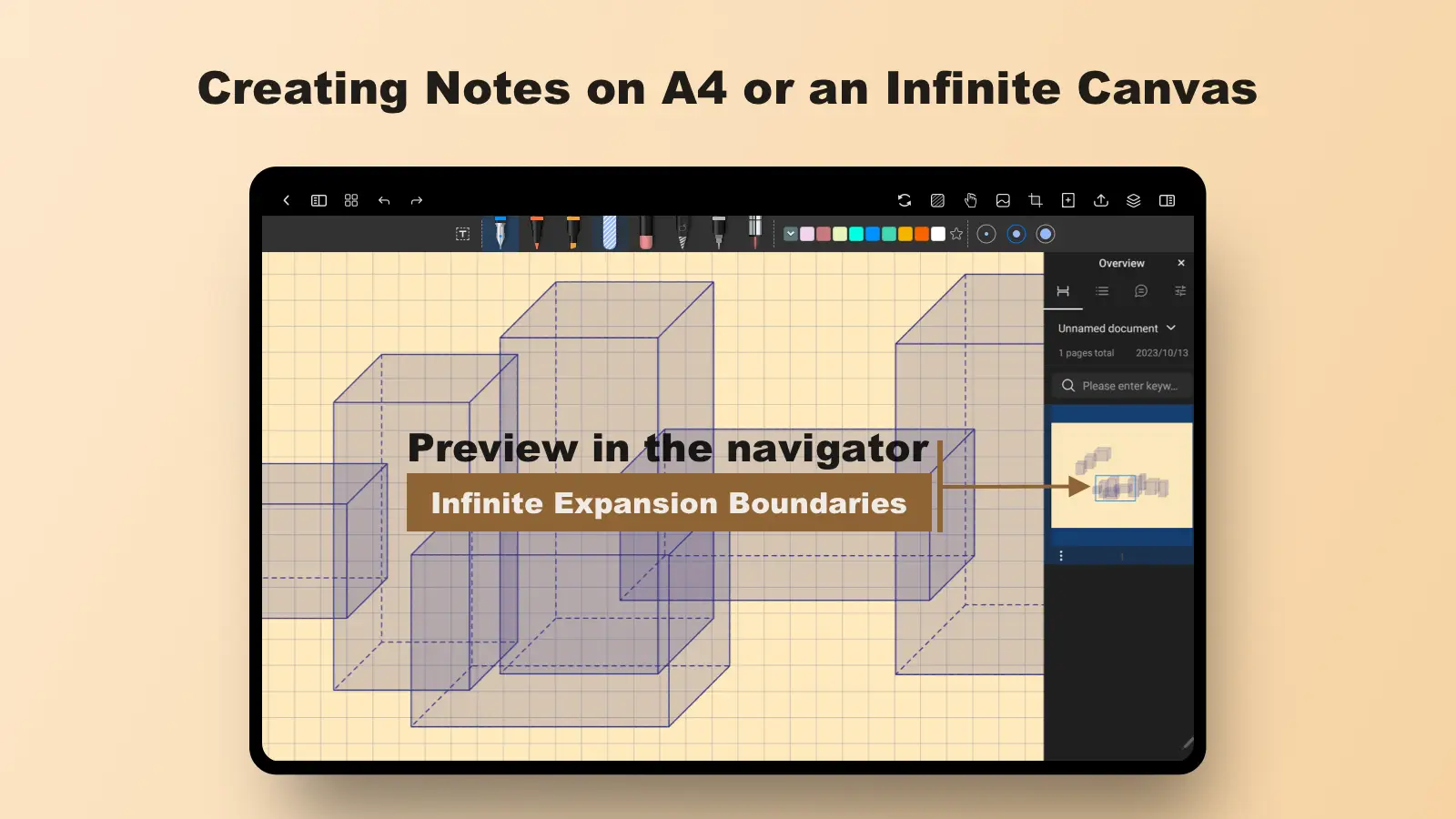
Key Features
Advanced Features for Enhanced Productivity
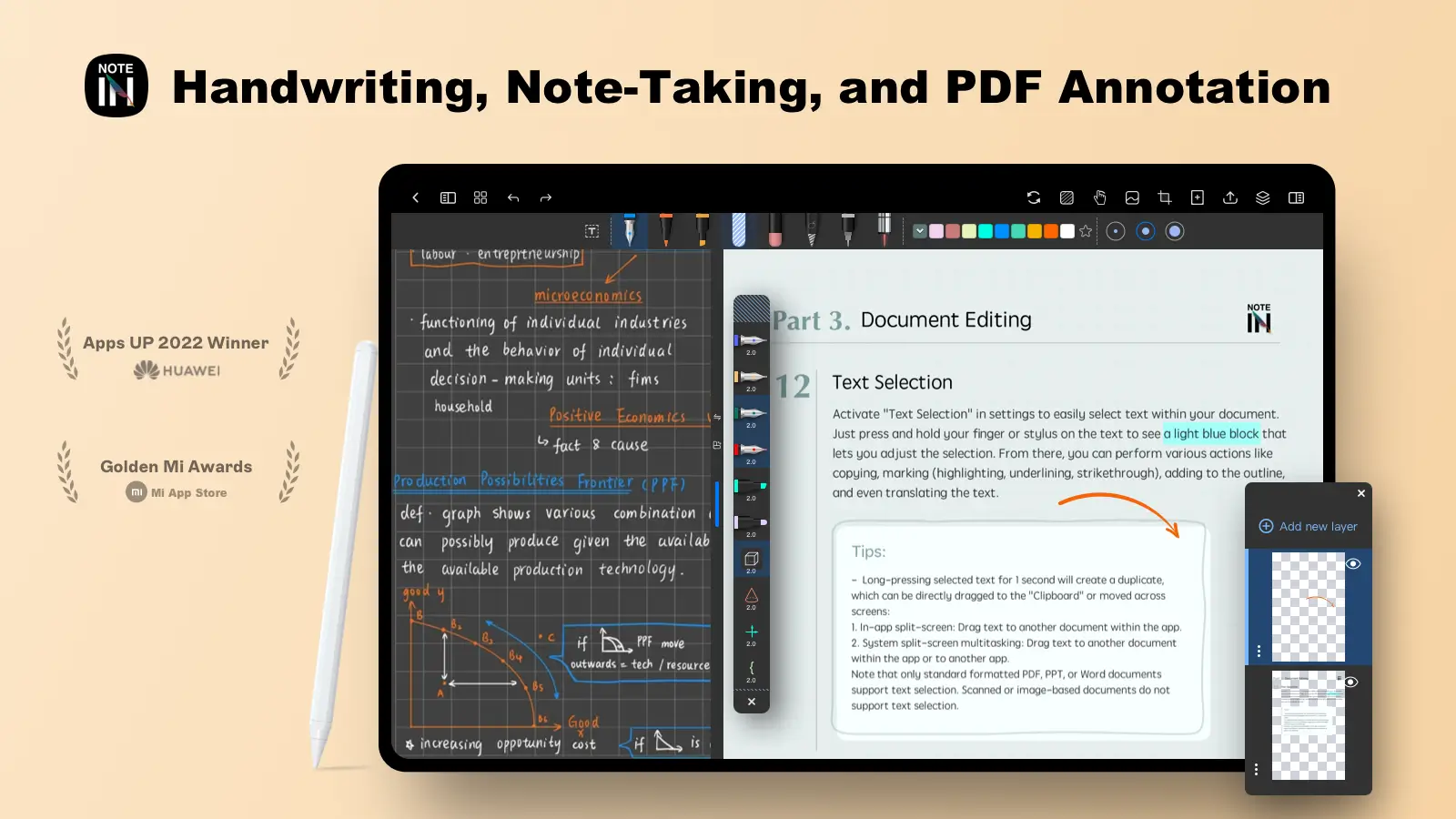
- With features such as an integrated recorder and calendar view, Notein provides users with a comprehensive toolkit for managing their tasks and deadlines. Users can efficiently prepare and track shopping lists or manage reading goals, making everyday tasks feel less daunting and more organized.
Technical Information
- Versionvv2.1.49.0
- App size325.69 MB
- CategorySystem Tools
- Package namecom.orion.notein.global
- DeveloperORION STUDIO PTE. LTD
- LanguageEnglish
- Updated2026-11-17
How to Download & Install
- 1
Tap the Download APK button below
- 2
Allow installing from unknown sources if prompted
- 3
Wait for the download to finish, then install the APK file
- 4
Open the app and start using it
Frequently Asked Questions
What is the latest version?
The latest version is vv2.1.49.0, updated on 2026-11-17.
How large is the download?
The download is about 325.69 MB. Downloading over Wi-Fi is recommended.
Which category is it in?
It is listed under "System Tools" and developed by ORION STUDIO PTE. LTD.
What is the package ID?
The package ID is com.orion.notein.global; you can use it to verify the app source before installing.
About this app
Intuitive Organization and Note Management
With Notein, users can efficiently organize notes into various categories, be it for school, memos, or task lists. The app introduces Memotabs, which ensure a well-structured approach to note-taking. This feature is particularly beneficial for those seeking to simplify their workflow and make essential information more accessible.
Personalization Through Fonts and Colors
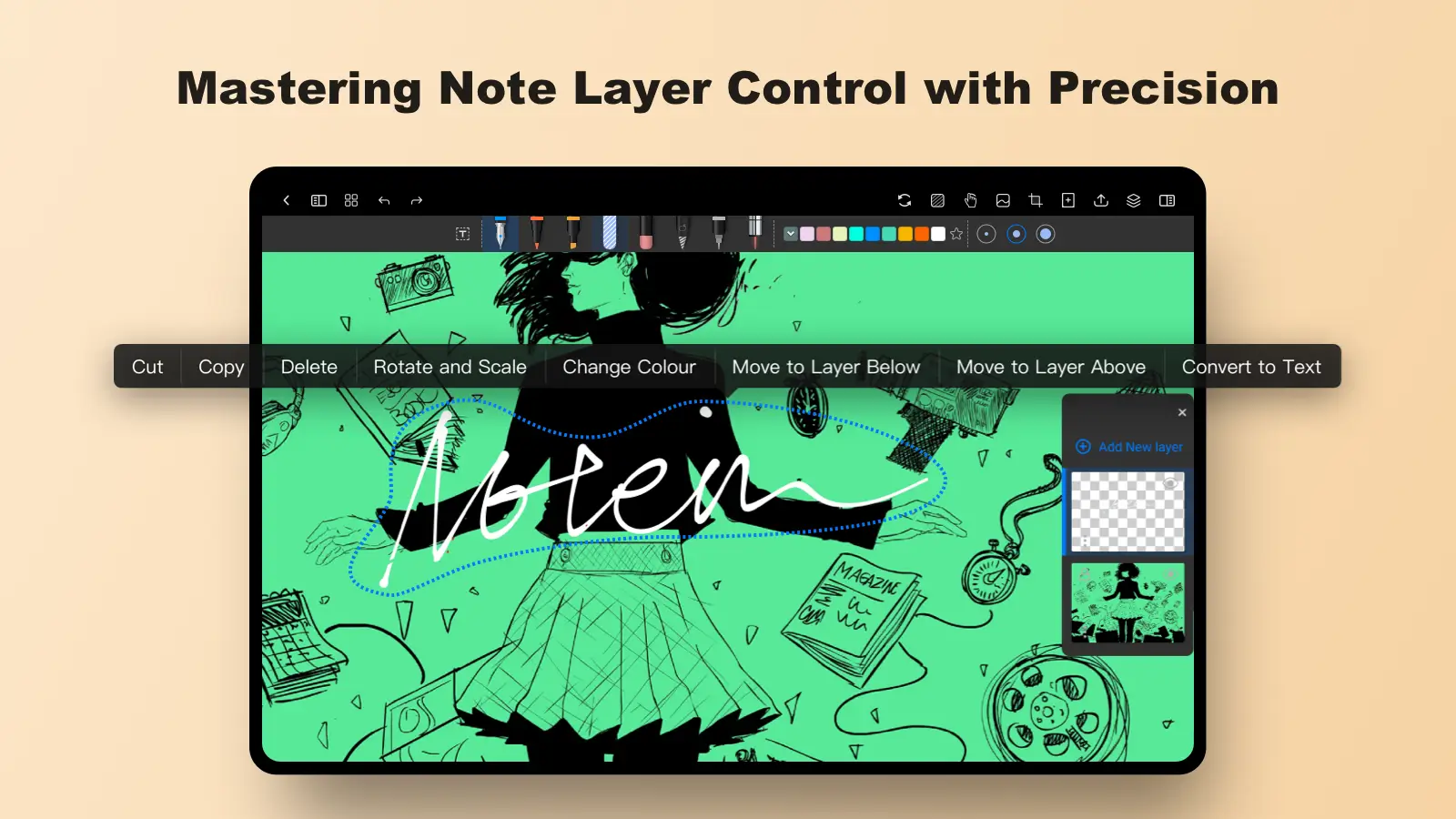
One of Notein's standout features is its expansive font and color toolkit, allowing users to customize their notes with vibrant hues and unique typefaces. This customization not only makes notes visually appealing but also provides users with the freedom to reflect their personal style and creativity in their note-taking process.
Streamlined Note Access and Sync
Notein offers seamless synchronization across devices via Google Cloud, ensuring that your notes are accessible anytime, anywhere. This cross-platform ability is complemented by an advanced autosave feature, minimizing the risk of data loss and enhancing productivity by keeping all your customizations intact.
Maximizing Creativity and Efficiency
The ability to use symbols for idea completion and the integration of personal notebooks tailored with captivating subjects encourage productivity while maintaining a touch of creativity. Whether jotting down swift notes or engaging in elaborate idea mapping, Notein caters to both productivity and imaginative needs.
Explore Notein on Android Today
Notein is a must-have app for Android users who wish to boost their productivity and unleash their creativity through innovative note-taking methods. With its rich feature set and appealing customization options, Notein effectively supports efficient organization and seamless note management. Users looking for a dependable application to simplify their workflow should explore Notein's compelling offerings by downloading the app today.
Related Apps
See more