HomeAppsSystem ToolsData Usage Monitor: Data Alert
Data Usage Monitor: Data Alert
For Android devices
Summary
In today's world of perpetual connectivity, managing your data usage is crucial for avoiding unexpected charges and optimizing your mobile usage plan. Enter Data Usage Monitor: Data Alert, a dynamic Android application meticulously designed to oversee and manage your mobile, Wi-Fi, and roaming data consumption. The application's primary purpose is to provide Android users with real-time insights into their data usage, helping to prevent overages and maintain control over data expenses. With its intuitive features, Data Usage Monitor: Data Alert becomes an essential tool for anyone keen on optimizing their data consumption.
Screenshots
5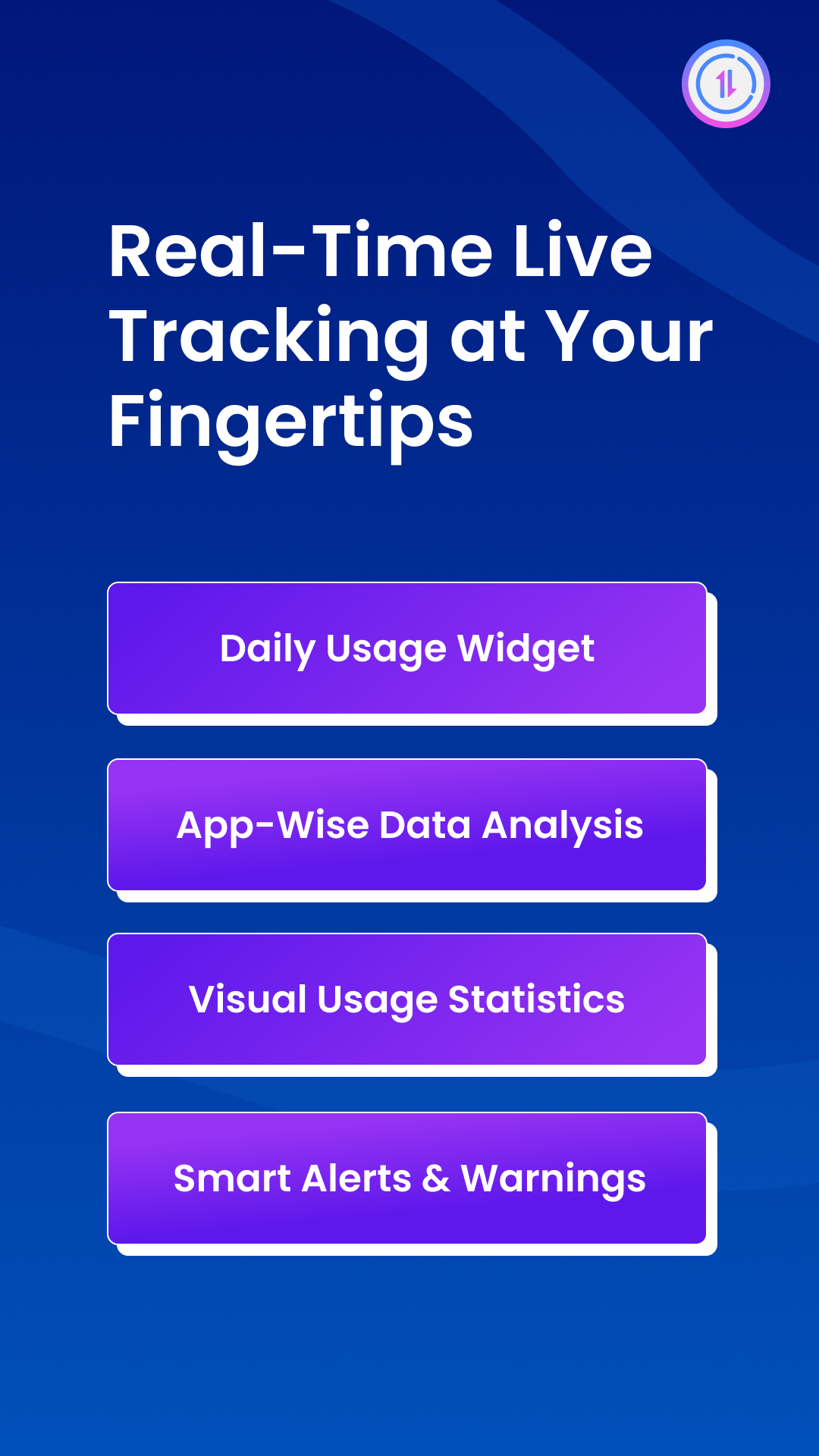
Key Features
Main Features and Functions
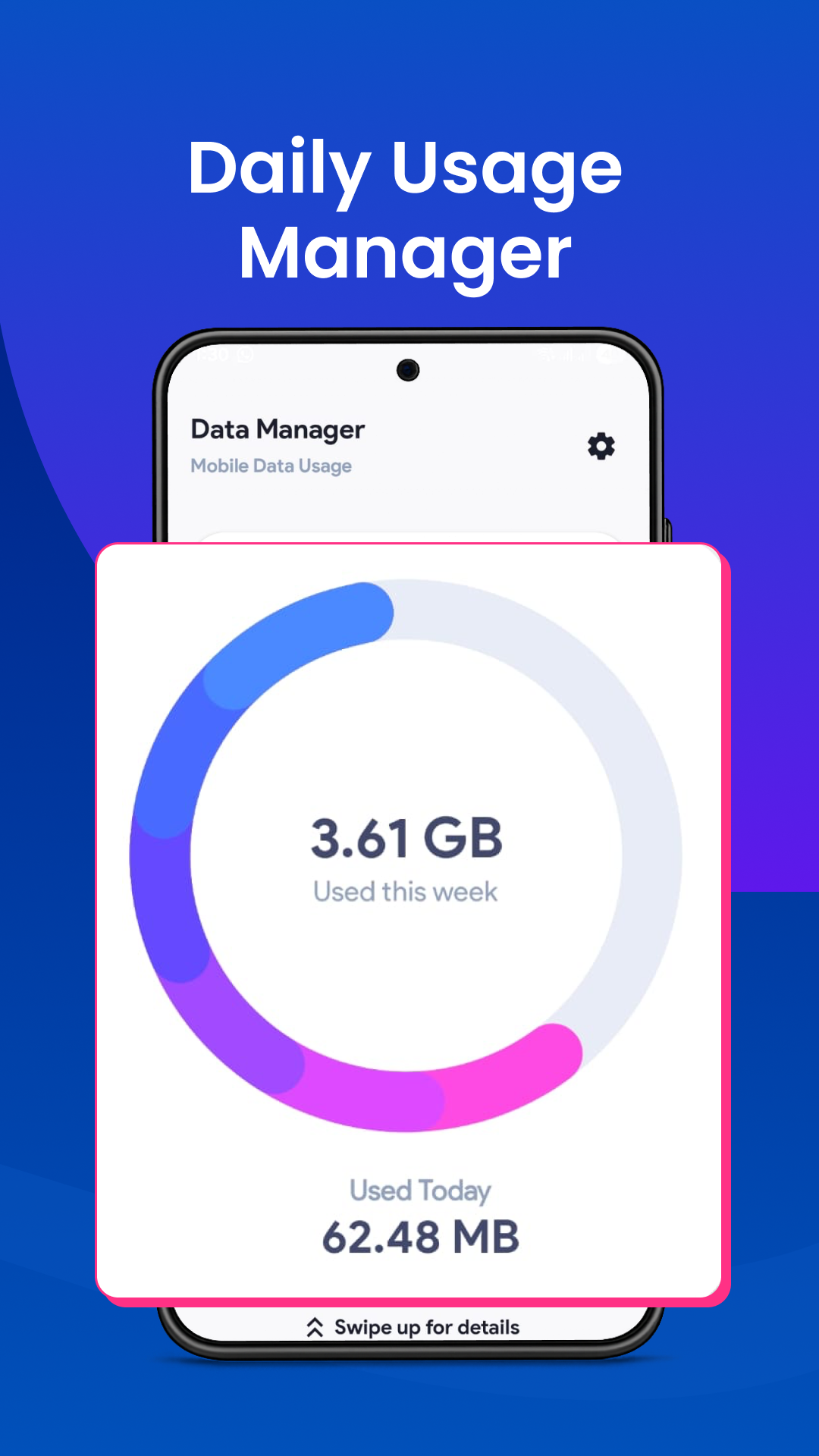
- The application excels in tracking data utilization with precision. It offers real-time updates on your mobile data usage, ensuring that users stay informed about their consumption habits. This transparent approach to data management allows users to avoid unnecessary costs while maximizing the efficiency of their data plans.
Technical Information
- Versionv2.3.2
- App size16.45 MB
- CategorySystem Tools
- Package namecom.app.usage.datamanager
- DeveloperMULTIVARIATE AI PRIVATE LIMITED
- LanguageEnglish
- Updated2026-11-16
How to Download & Install
- 1
Tap the Download APK button below
- 2
Allow installing from unknown sources if prompted
- 3
Wait for the download to finish, then install the APK file
- 4
Open the app and start using it
Frequently Asked Questions
What is the latest version?
The latest version is v2.3.2, updated on 2026-11-16.
How large is the download?
The download is about 16.45 MB. Downloading over Wi-Fi is recommended.
Which category is it in?
It is listed under "System Tools" and developed by MULTIVARIATE AI PRIVATE LIMITED.
What is the package ID?
The package ID is com.app.usage.datamanager; you can use it to verify the app source before installing.
About this app
Visualizes Data Usage
Data Usage Monitor: Data Alert makes understanding your data consumption straightforward through visual graphs. These graphics provide an easy-to-comprehend breakdown of usage patterns, allowing you to identify periods of high data activity at a glance. Additionally, the app includes a notification bar display so you can track data usage without interrupting your activities.
Custom Notifications and Alerts
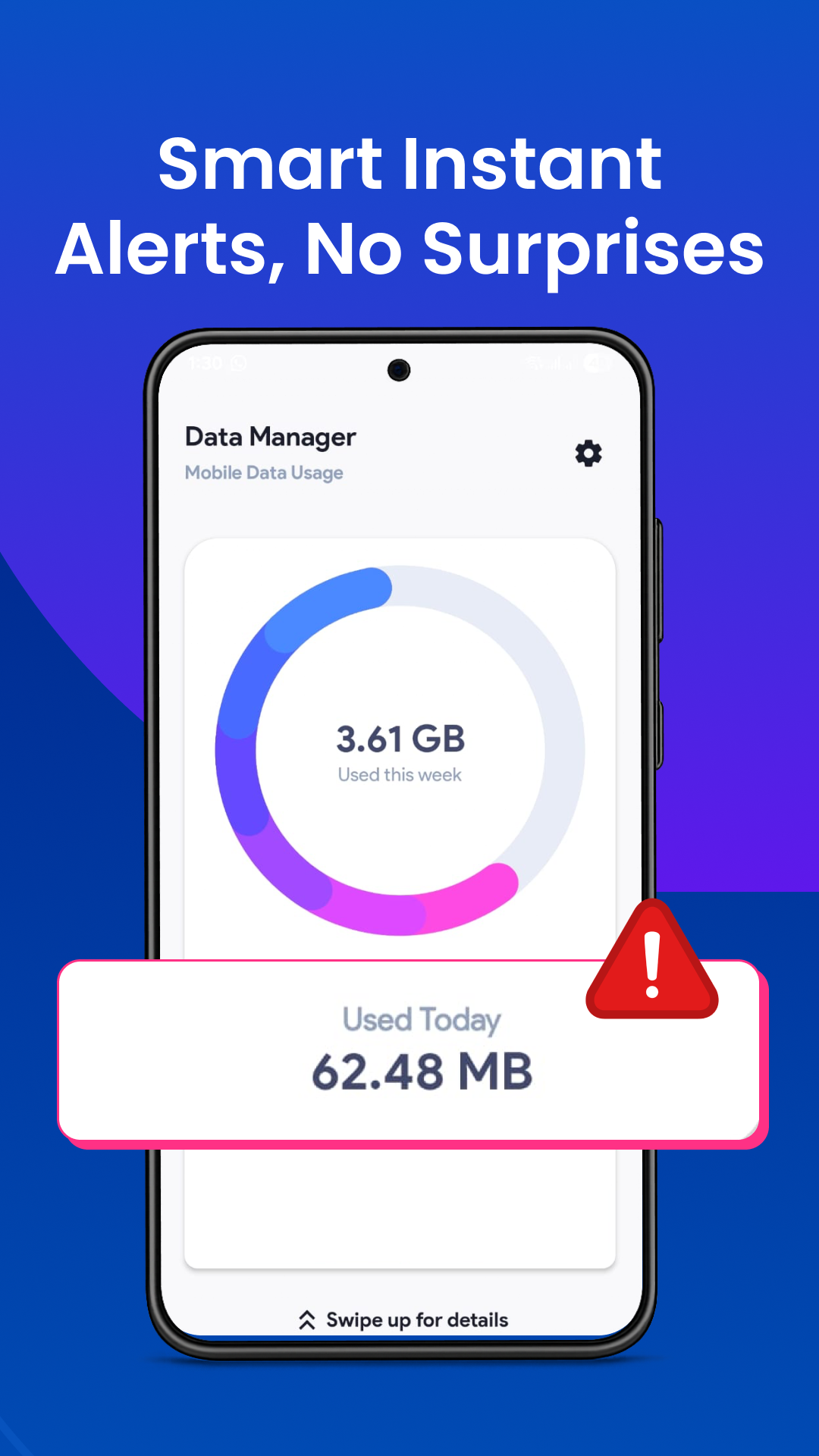
A standout feature of the application is its personalized notification system. Customized alerts notify users before they surpass their data thresholds, especially during high-consumption activities such as streaming or gaming. This proactive feature empowers users to adjust their habits before incurring additional charges.
Efficient Data Management
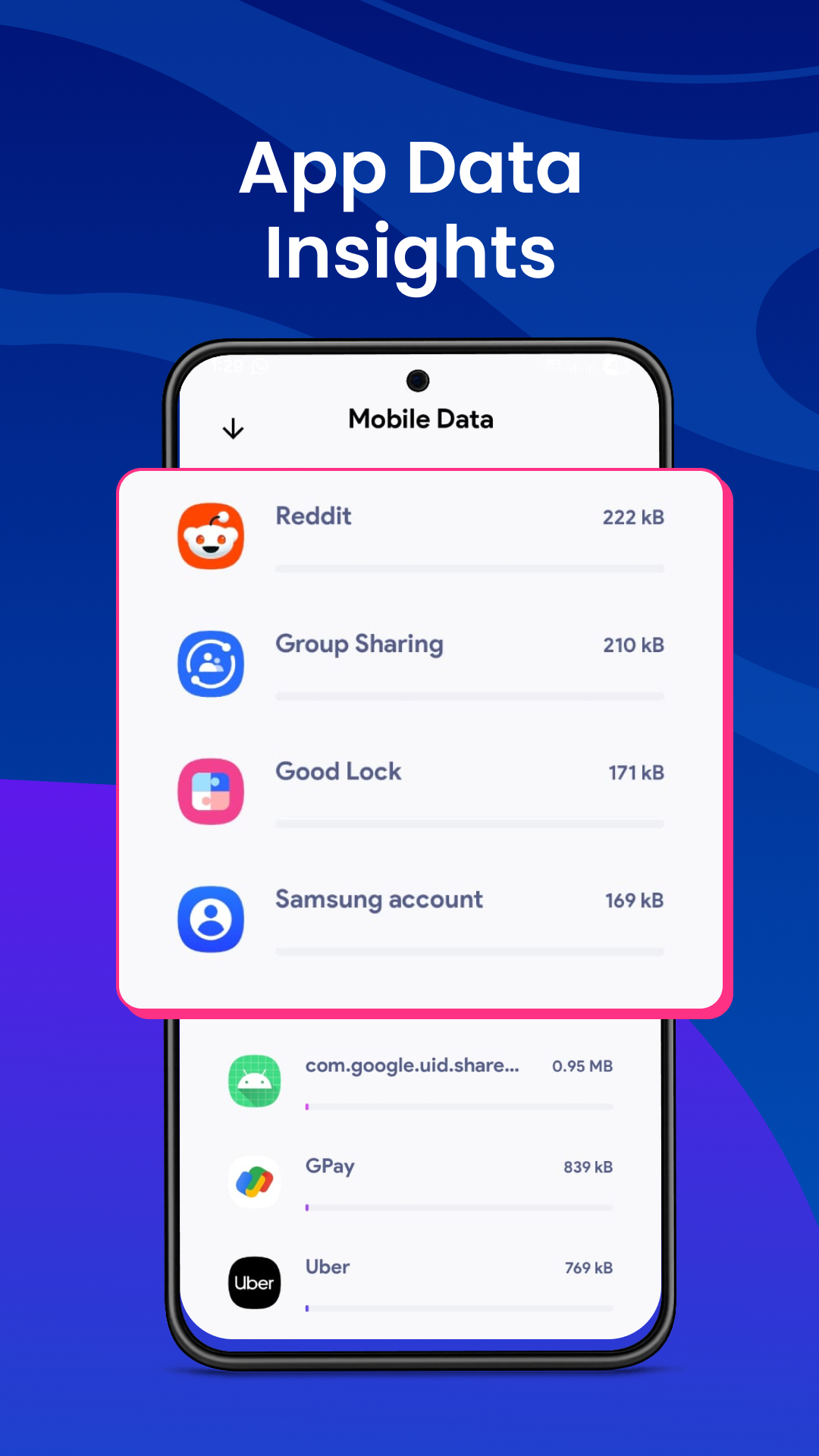
No matter your plan type, Data Usage Monitor: Data Alert simplifies overseeing data consumption across different devices. It supports efficient background data management and provides insights into which applications are the highest data consumers, enabling users to optimize their usage and potentially reduce expenses.
Practical Applications
This app is particularly useful for Android users who want to monitor both mobile and Wi-Fi networks, offering a comprehensive view suitable for capped broadband plans. Its ease of setup and usage means that users can quickly install and start tracking, ensuring their data plan aligns perfectly with their usage cycle.
Take Control of Your Data Today
Data Usage Monitor: Data Alert is invaluable for any Android user wishing to manage their data effectively. With features like real-time tracking, personalized notifications, and detailed data insights, this app transforms the way you interact with your mobile and Wi-Fi data. Whether you aim to cut costs or simply want peace of mind, exploring the download of this application could be a prudent decision for taking control of your data usage.
Related Apps
See more