HomeAppsTheme WallpapersMyanmar Typing Keyboard
Myanmar Typing Keyboard
For Android devices
Summary
The Myanmar Typing Keyboard is an Android application specifically crafted for users who frequently communicate in both Burmese and English. This versatile app allows seamless switching between the two languages without the need to install separate keyboards. Its primary purpose is to enhance the typing experience by offering an automatic Burmese text correction feature, ensuring that potential spelling mistakes are promptly identified and corrected. Users can also express their emotions effortlessly through a diverse collection of built-in emojis. With options ranging from bilingual input to theme customization, the Myanmar Typing Keyboard is designed for efficient text entry and improved messaging experience.
Screenshots
5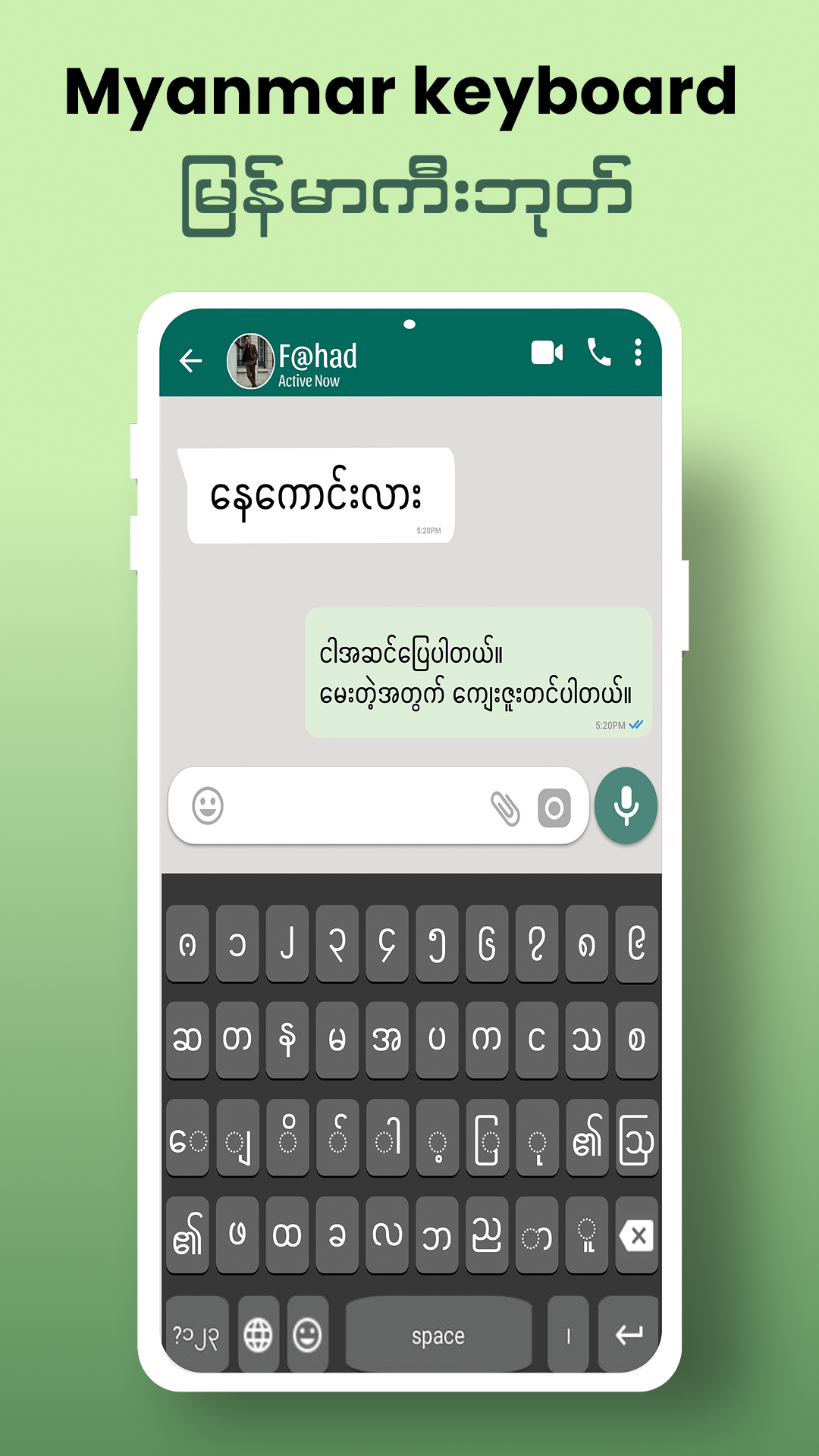
Technical Information
- Versionv3.1
- App size21.14 MB
- CategoryTheme Wallpapers
- Package namecom.myanmar.english.typing.keyboard.emoji.burmese.language
- DeveloperKeyboardpad
- LanguageEnglish
- Updated2026-11-16
How to Download & Install
- 1
Tap the Download APK button below
- 2
Allow installing from unknown sources if prompted
- 3
Wait for the download to finish, then install the APK file
- 4
Open the app and start using it
Frequently Asked Questions
What is the latest version?
The latest version is v3.1, updated on 2026-11-16.
How large is the download?
The download is about 21.14 MB. Downloading over Wi-Fi is recommended.
Which category is it in?
It is listed under "Theme Wallpapers" and developed by Keyboardpad.
What is the package ID?
The package ID is com.myanmar.english.typing.keyboard.emoji.burmese.language; you can use it to verify the app source before installing.
About this app
Seamless Bilingual Typing Experience
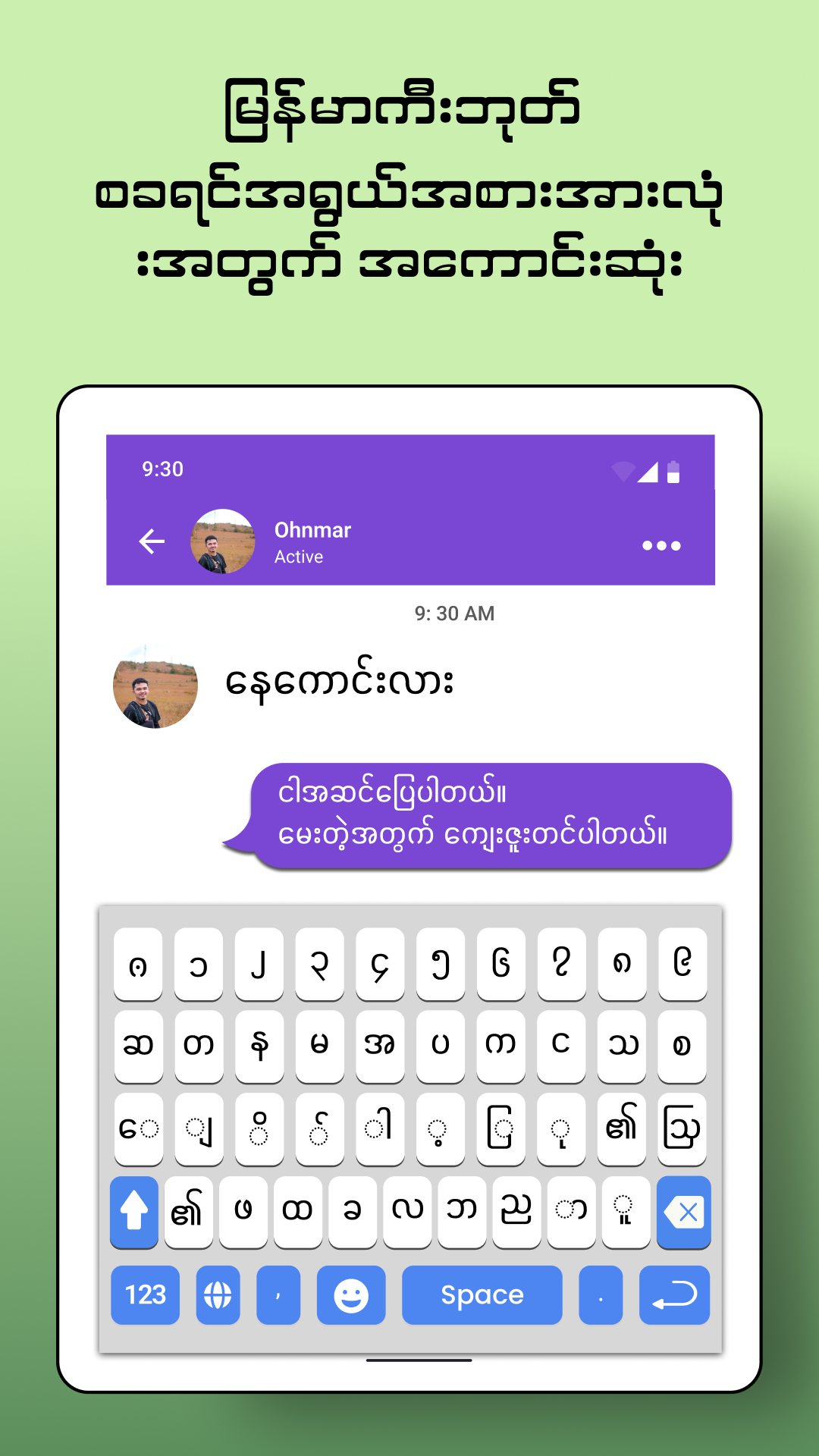
At the core of the Myanmar Typing Keyboard's functionality is its ability to support bilingual input, making it easy to type in both Burmese and English using a single keyboard. This feature eliminates the need for switching between different keyboards, ensuring a smooth and uninterrupted typing experience. It caters to users who require flexibility in language usage for their daily communication needs.
Automatic Correction and Emoji Integration
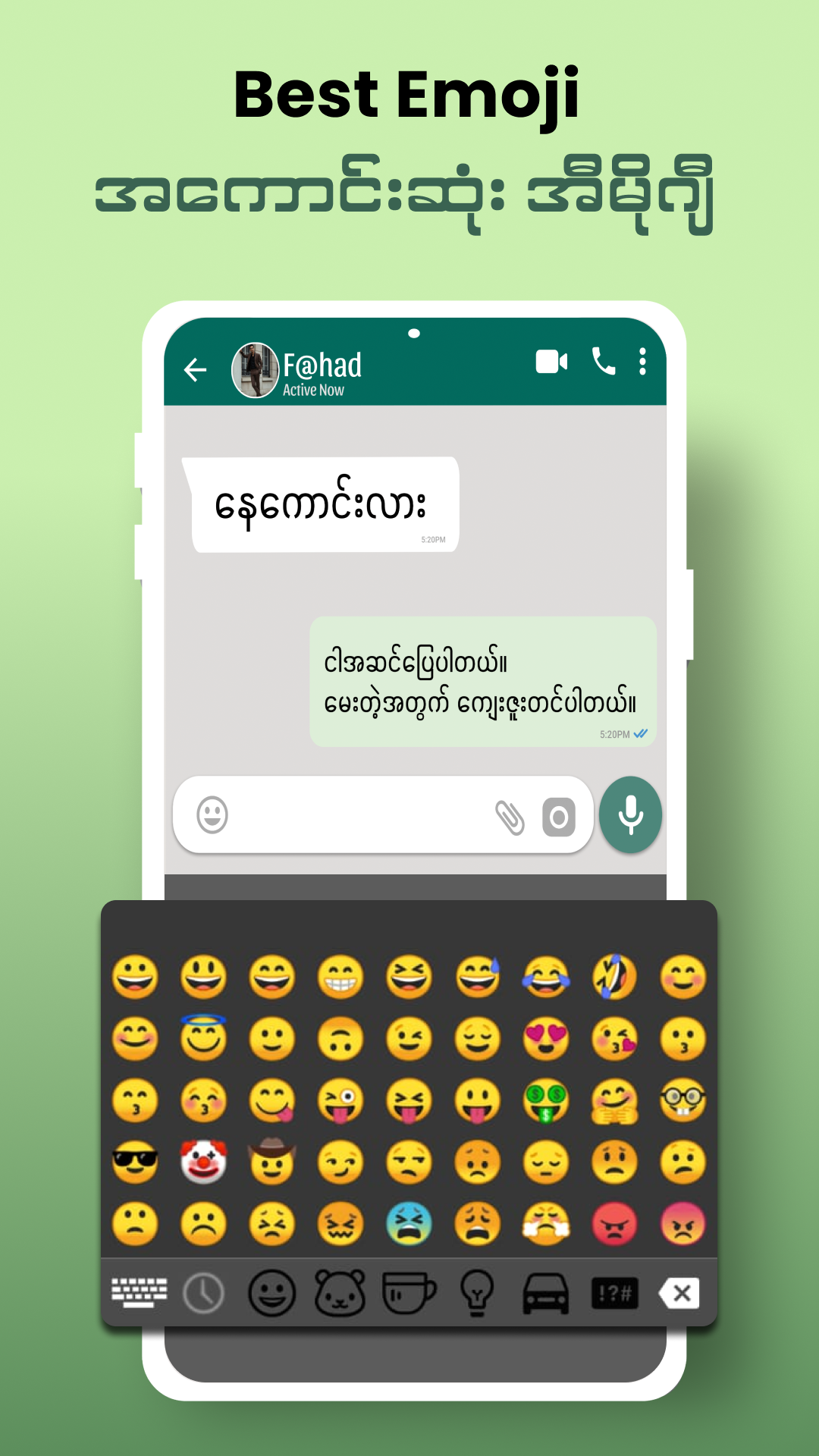
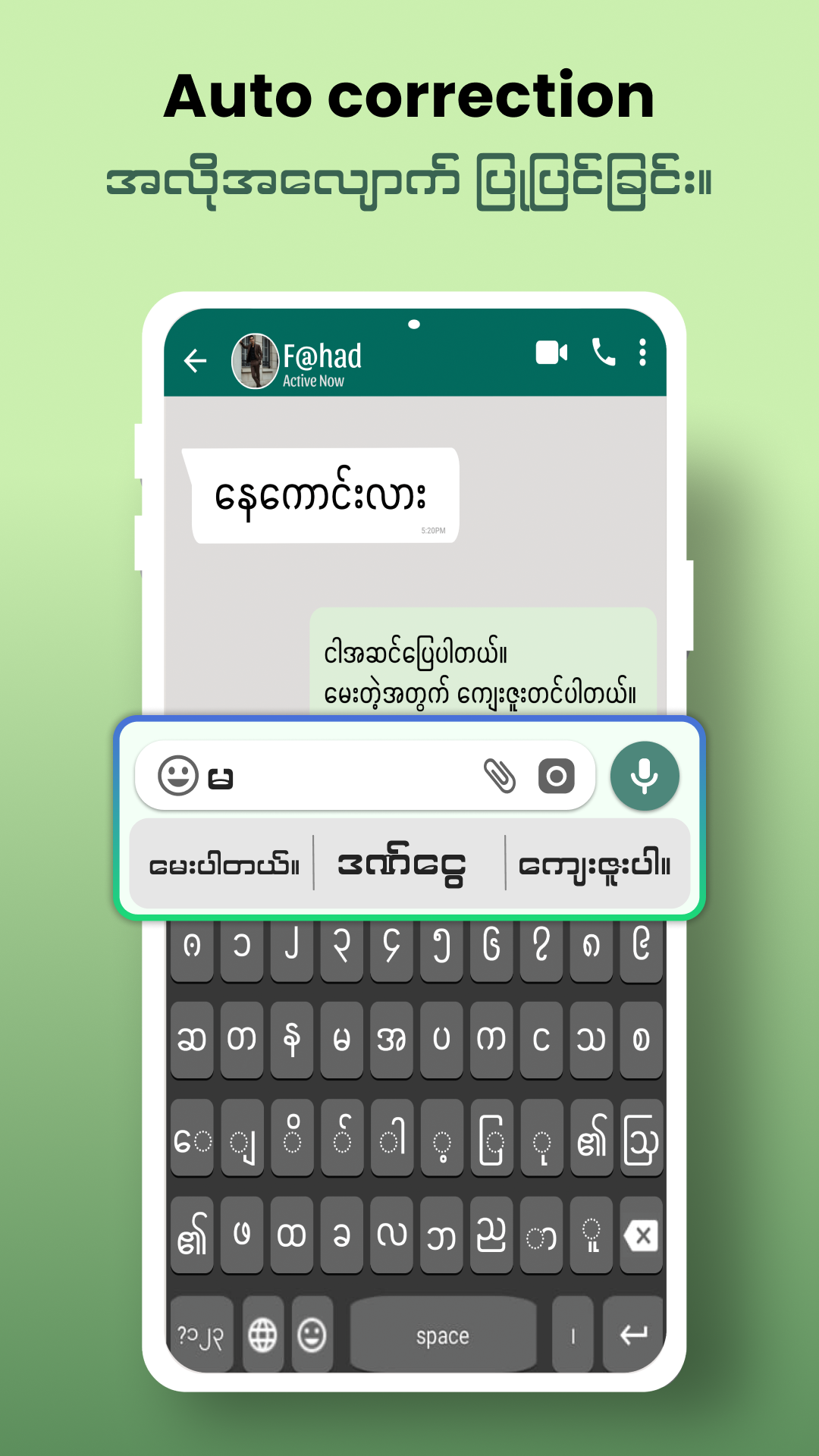
The application comes equipped with an automatic Burmese text correction feature, which actively detects and offers corrections for potential spelling errors. This ensures that users can type with confidence, minimizing mistakes in their messages. Additionally, the Myanmar Typing Keyboard includes a rich library of emojis, allowing users to add an expressive touch to their conversations and messages with ease.
Personalized Keyboard Themes
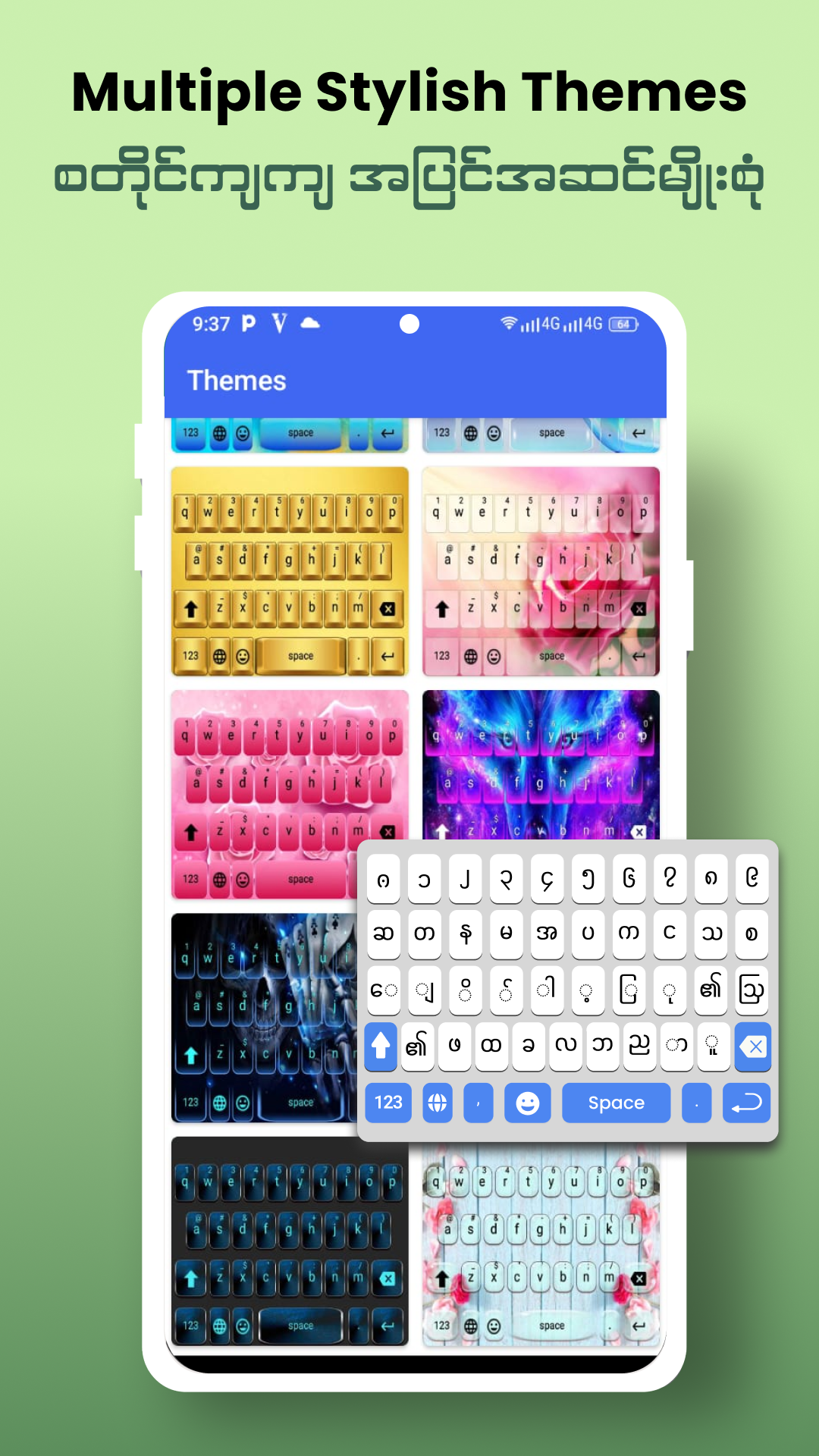
Customization is a key element of the Myanmar Typing Keyboard. Users can personalize their typing interface by choosing from multiple keyboard themes. These themes allow individuals to alter the visual appearance of their keyboard, aligning it with their personal style while maintaining the keyboard’s functionality. This adaptability makes the app aesthetically pleasing and user-friendly.
Installing and Using Myanmar Typing Keyboard
To get started with the Myanmar Typing Keyboard, users need to download and install the app on their Android devices. Following the installation, the app provides clear on-screen instructions to activate and set it as the default input method. Once activated, users can effortlessly switch between Burmese and English typing. The app’s theme section offers various designs, allowing users to customize their keyboard and start typing with ease in any messaging app or text field.
Conclusion: Enhance Your Typing Efficiency
In summary, the Myanmar Typing Keyboard offers a practical and efficient solution for Android users who require bilingual typing capabilities in Burmese and English. Its automatic correction, built-in emoji integration, and customizable themes make it a versatile tool for enhancing the texting experience. Whether for everyday messaging or professional communication, users can rely on this application’s comprehensive features to meet their diverse typing needs. To explore the functionality and convenience of the Myanmar Typing Keyboard, users can easily access its download information for Android devices.
Related Apps
See more