- Current versionv9.6.60050
- App size24.29 MB
- LanguageEnglish
- About
- Info
About this app
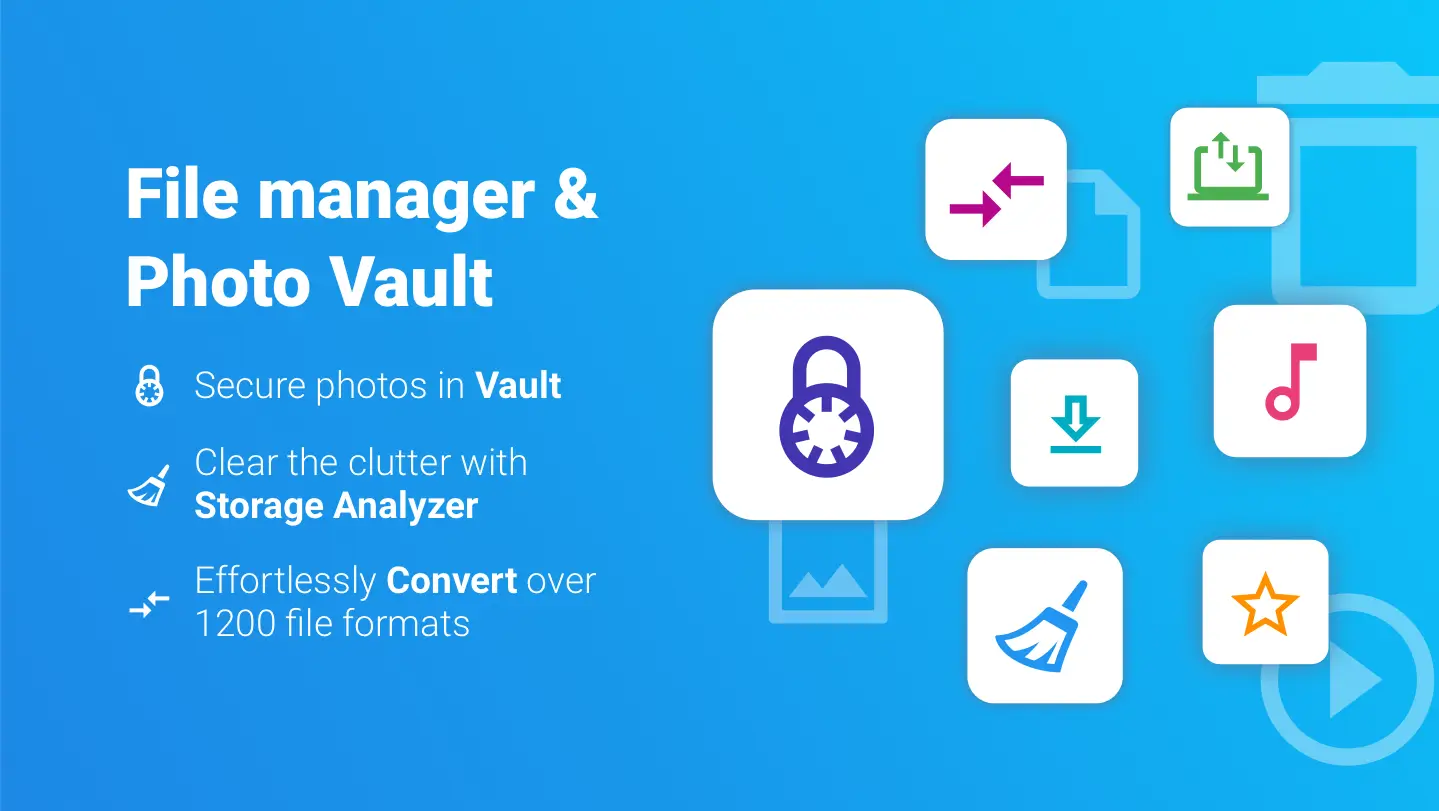
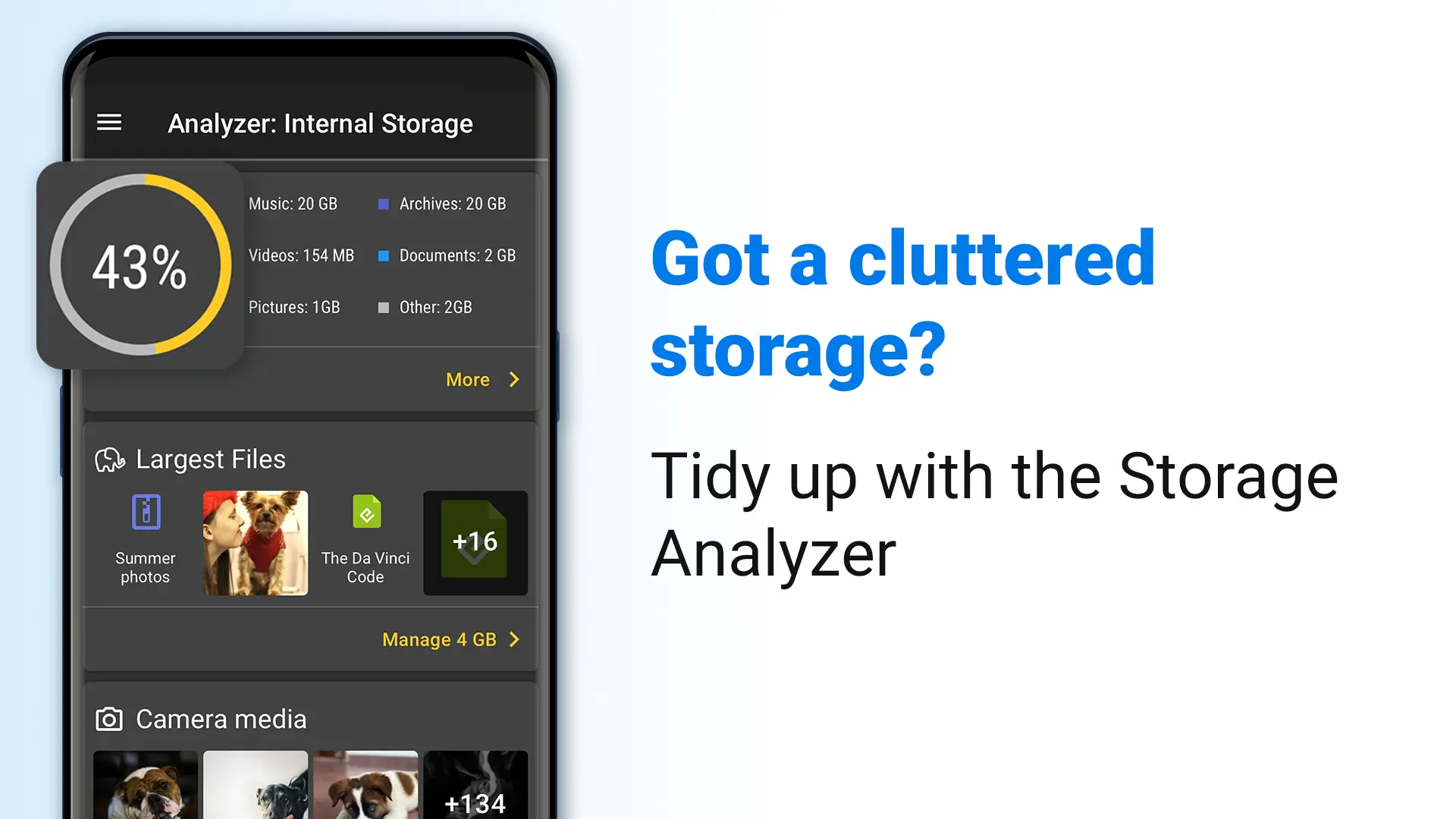
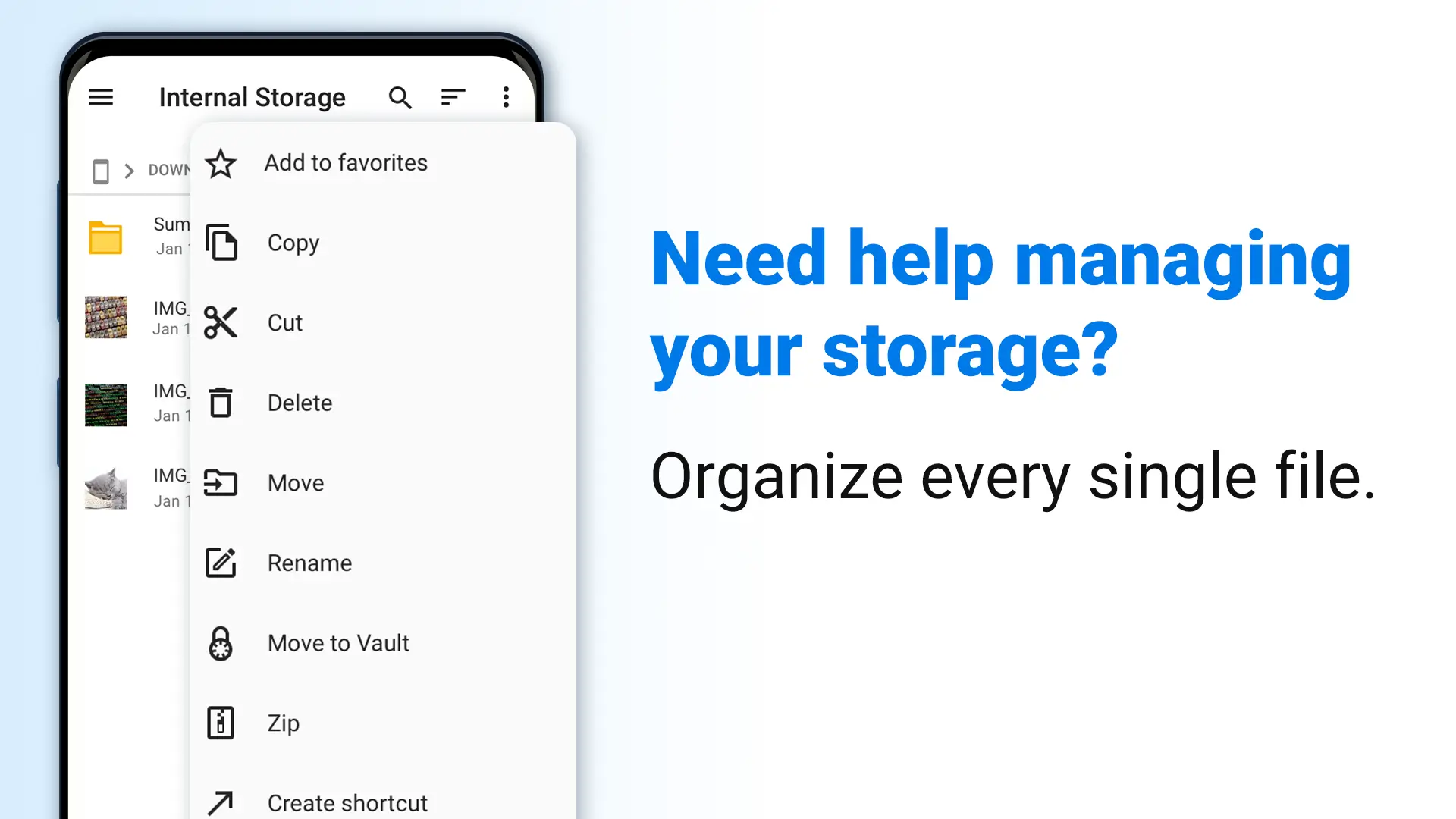
File Commander is a versatile Android application designed to simplify the organization and management of data on mobile devices. By offering a comprehensive suite of file management tools and seamless integration with cloud storage, File Commander serves as an invaluable resource for users overwhelmed by the sheer volume of files and folders on their devices. Its main appeal lies in its ability to efficiently manage files across Android devices, cloud services, and local networks. This makes it particularly useful for Android users looking to enhance their productivity and streamline their file navigation experience.
Main Features of File Commander
File Commander offers a myriad of features tailored to ease file management on Android devices:
- Seamless File Access: Users can effortlessly access all files and directories, including hidden ones, ensuring comprehensive file management similar to Solid Explorer.
- Organized Collections: Files are systemically categorized into collections such as music, images, videos, apps, and documents, allowing users to quickly locate and utilize the needed files.
- Integrated Media Player: Built-in audio and video players enable users to enjoy multimedia files directly within the app, offering a seamless entertainment experience.
- Cloud Service Integration: The application facilitates synchronization across popular cloud platforms like Google Drive, Dropbox, and OneDrive, enhancing file management convenience.
- Recycle Bin Functionality: This feature prevents accidental file deletion by allowing users to recover or permanently erase files from a designated recycle bin.
- External Device Compatibility: File Commander supports connection through USB OTG adapters, enabling access to microSD cards and portable drives, ensuring broader file retrieval options.
- Remote Access Options: Users can share and transfer files through local network connections or FTP servers, offering faster alternatives to traditional Bluetooth transfers.
User Experience and Interface
File Commander is designed with an intuitive and easy-to-navigate interface, making file management a breeze for Android users. The application’s main screen can be customized to suit individual preferences, allowing quick access to frequently used files and directories via dedicated tiles. This personalized experience is further enhanced by a bookmark feature, enabling users to easily add and access favorite files and folders. Moreover, the 'Recent Files' menu ensures users can swiftly continue tasks from where they left off.
Enhancing Productivity
By utilizing File Commander's archiving capabilities, Android users can optimize their storage space efficiently. Files can be organized into practical folders according to their purpose, allowing better storage management and creating room for additional data. This practical approach not only boosts productivity but also streamlines the user's workflow considerably.
Seamless Connectivity and Sharing
File Commander provides rich options for remote access, supporting file sharing and transfer through Windows or SMB platforms and FTP servers. This allows users to start file transfers via local networks before needing the internet, offering a faster and more efficient method compared to Bluetooth.
Conclusion
File Commander stands out as a comprehensive file management solution for Android users, providing extensive features for both basic and advanced tasks. Its integration capabilities, customizable interface, and variety of connectivity options make it an essential tool for anyone looking to enhance their file organization and productivity on Android devices. Those interested in exploring this powerful application can download it from Android's app store to experience its multifaceted utility firsthand.
App info
- App nameFile Commander
- Versionv9.6.60050
- App size24.29 MB
- CategorySystem Tools
- LanguageEnglish
- DeveloperMobiSystems.
- Package namecom.mobisystems.fileman
- Updated2026-11-16
Others also installed





Related topics
See more- Entertainment Apps Free
- Video Players Apps
- Multimedia Apps For Android




You may also like
Refresh