
- Current versionv4.9.4
- App size6.06 MB
- LanguageEnglish
- About
- Info
About this app
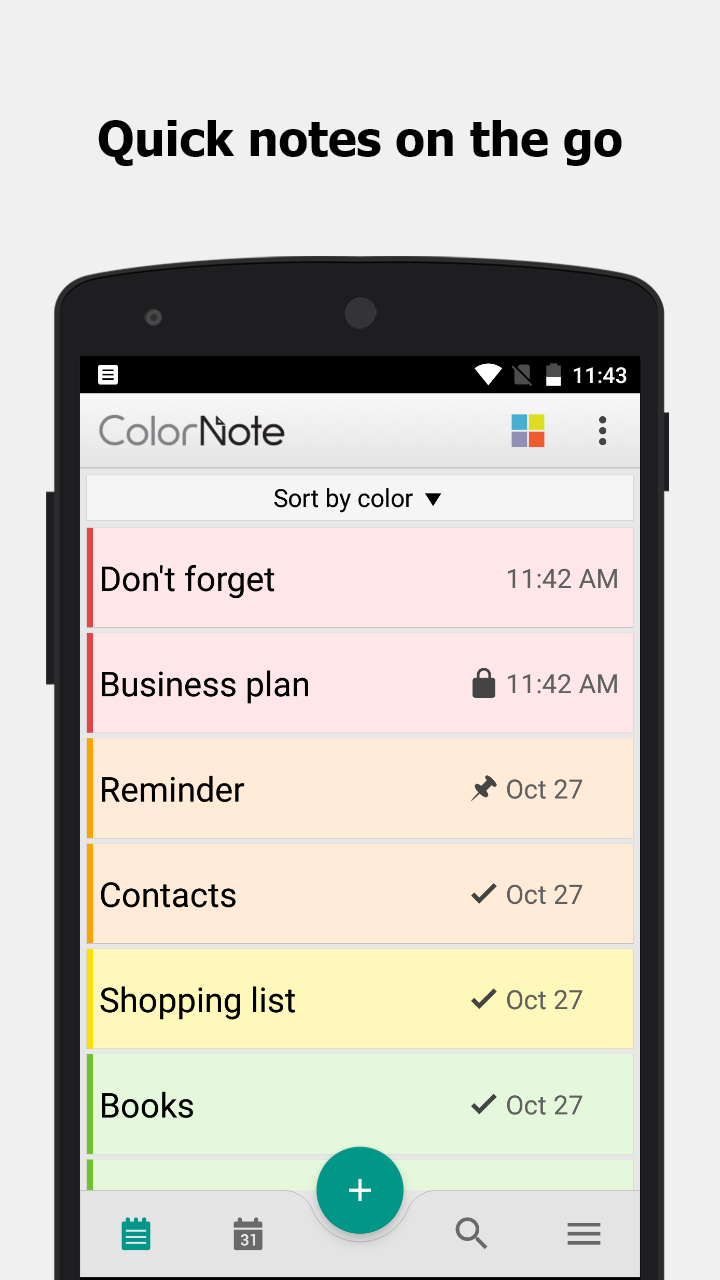
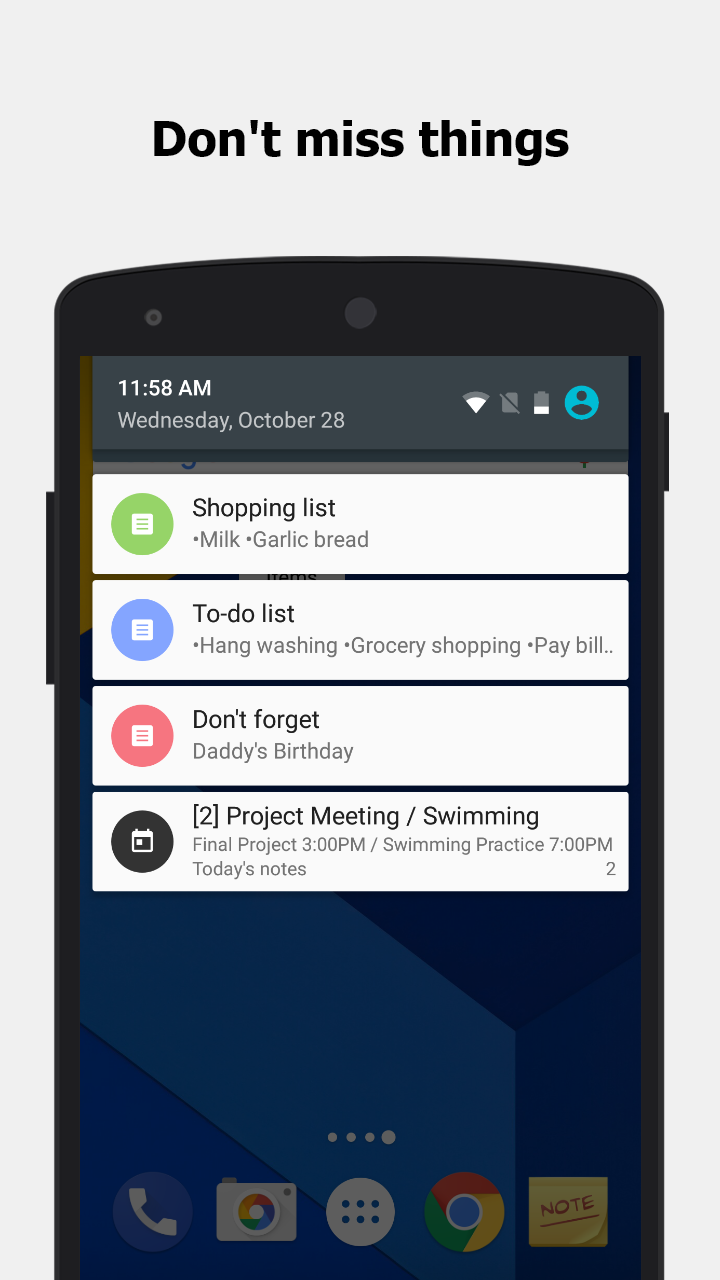
ColorNote is a versatile and straightforward Android application designed for efficient note-taking and organization. This app allows users to quickly jot down notes, memos, emails, messages, and maintain shopping lists and to-do items with ease. Its most defining feature is its simplicity combined with powerful functionality, making it stand out among similar apps. Users can look forward to an intuitive interface and a range of features including color-coded notes, reminders, and syncing options for seamless note management.
Effortless Note Organization
ColorNote offers two primary formats for organizing notes: a lined paper style for textual notes and a checklist format for managing tasks or shopping lists. Users can add multiple notes to the main list, which appears whenever the app is opened and can be sorted by date, color, or grid format. This allows for easy access and organization tailored to individual preferences.
Writing and Managing Notes
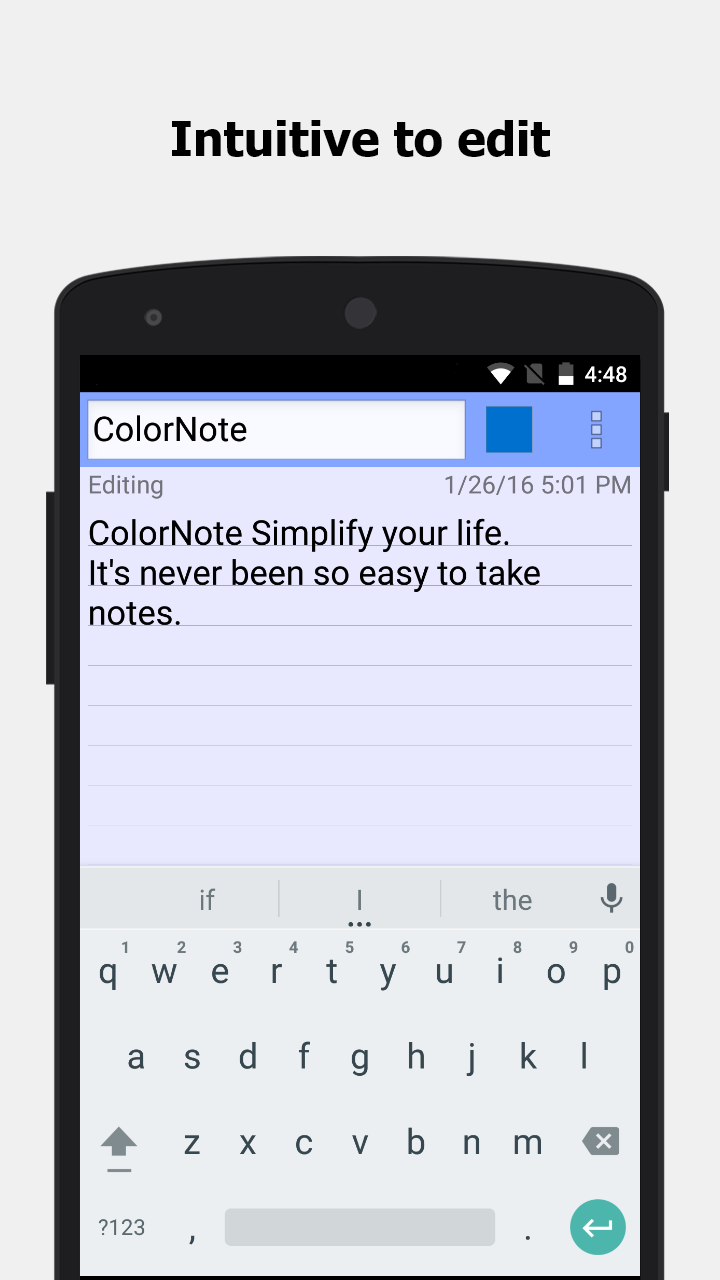
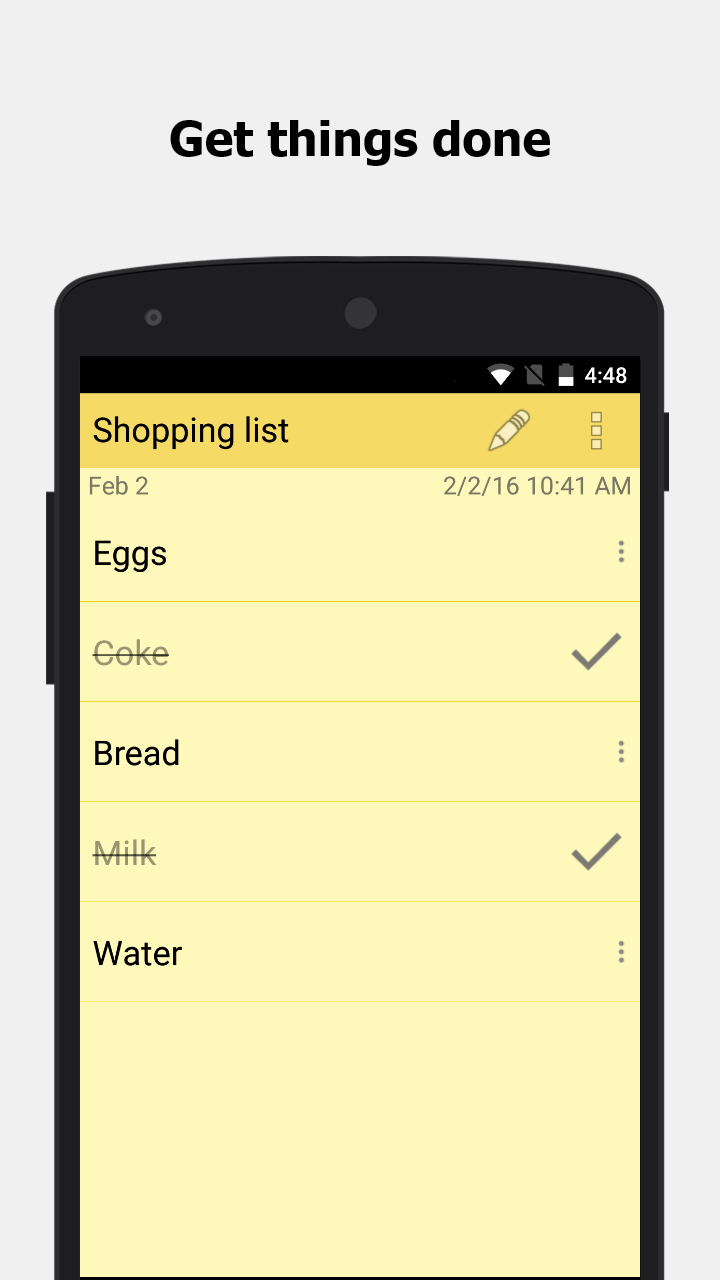
The app functions as a basic word processing tool within the text format, where users enjoy unlimited character input. Once a note is created and saved, it can be edited or shared via the device’s menu options. For checklist-type notes, items can be added, rearranged, and marked complete with a simple tap. The visual updates like strikethrough on completed tasks help users track their progress effectively.
Advanced Features for Enhanced Productivity
ColorNote extends beyond basic note-taking with its suite of advanced features:
-Color-coded notebooks for easy categorization.
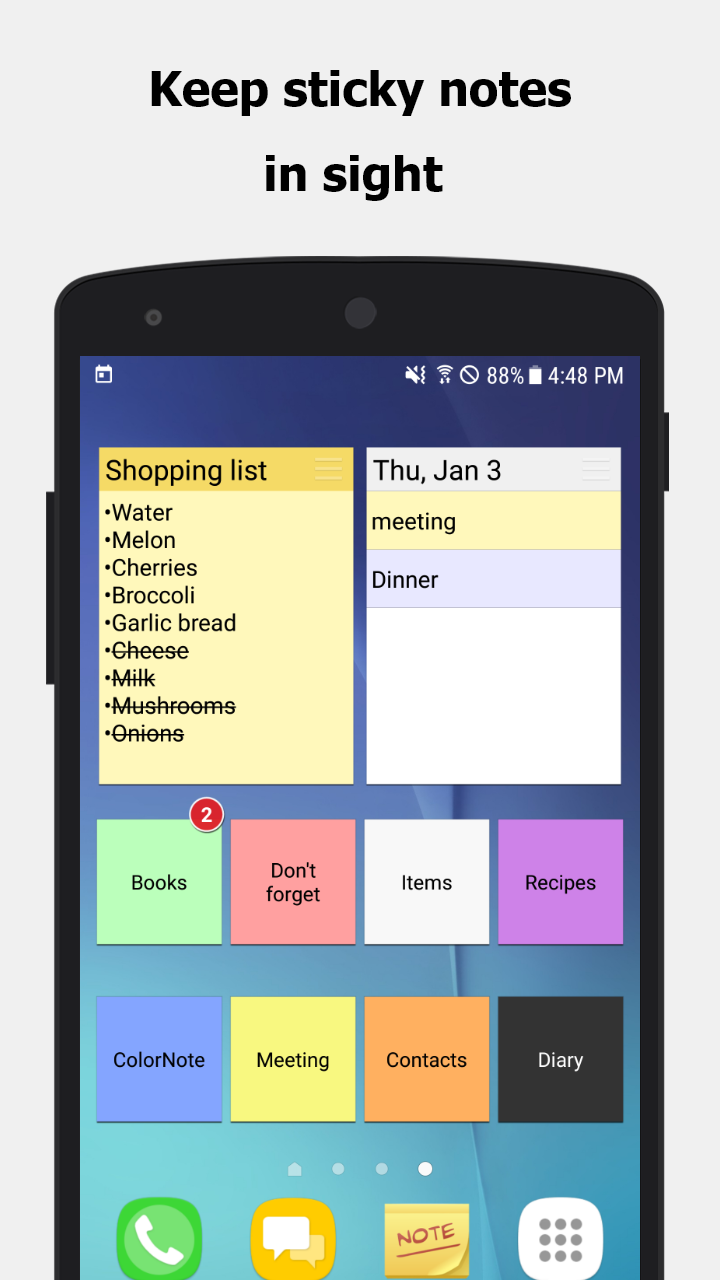
-Sticky notes widget for pinning important notes to the home screen.
-Task scheduling and diary entries within a calendar interface.
-Password protection for sensitive information.
-Secure backup options to SD card and online platforms ensure data safety and easy sync across devices.
-Customizable reminder notifications including time-based alarms and all-day events.
Secure Backup and Cloud Sync
Security is paramount with ColorNote, as all notes undergo AES encryption before being uploaded, ensuring a high level of data protection. Users can back up their notes online without fear of unauthorized access. Only the user, authenticated through Google or Facebook, can manage their backup data, offering peace of mind.
Resolving Common Issues
Should the widget stop functioning, it’s likely due to the app being moved to an SD card. To restore functionality, users should move ColorNote back to the device storage and restart. For those who have forgotten their main password, unfortunately, ColorNote does not offer a recovery option, further emphasizing its secure design.
Conclusion: A Handy Tool for Day-to-Day Note Management
ColorNote proves to be an indispensable application for users needing a simple yet comprehensive tool for managing everyday notes and lists. Its ease of use, combined with robust features like secure backups and color-coded organization, makes it an appealing choice for any Android user. Those interested in streamlining their digital note-taking can explore ColorNote for its intuitive interface and reliable performance.
```App info
- App nameColorNote
- Versionv4.9.4
- App size6.06 MB
- CategorySystem Tools
- LanguageEnglish
- DeveloperNotes
- Package namecom.socialnmobile.dictapps.notepad.color.note
- Updated2026-11-16
Others also installed







Related topics
See more- Travel Apps Free
- Best Shopping Apps
- Video Players Apps






You may also like
Refresh