HomeAppsWork & StudyLogo Maker
Logo Maker
For Android devices
Summary
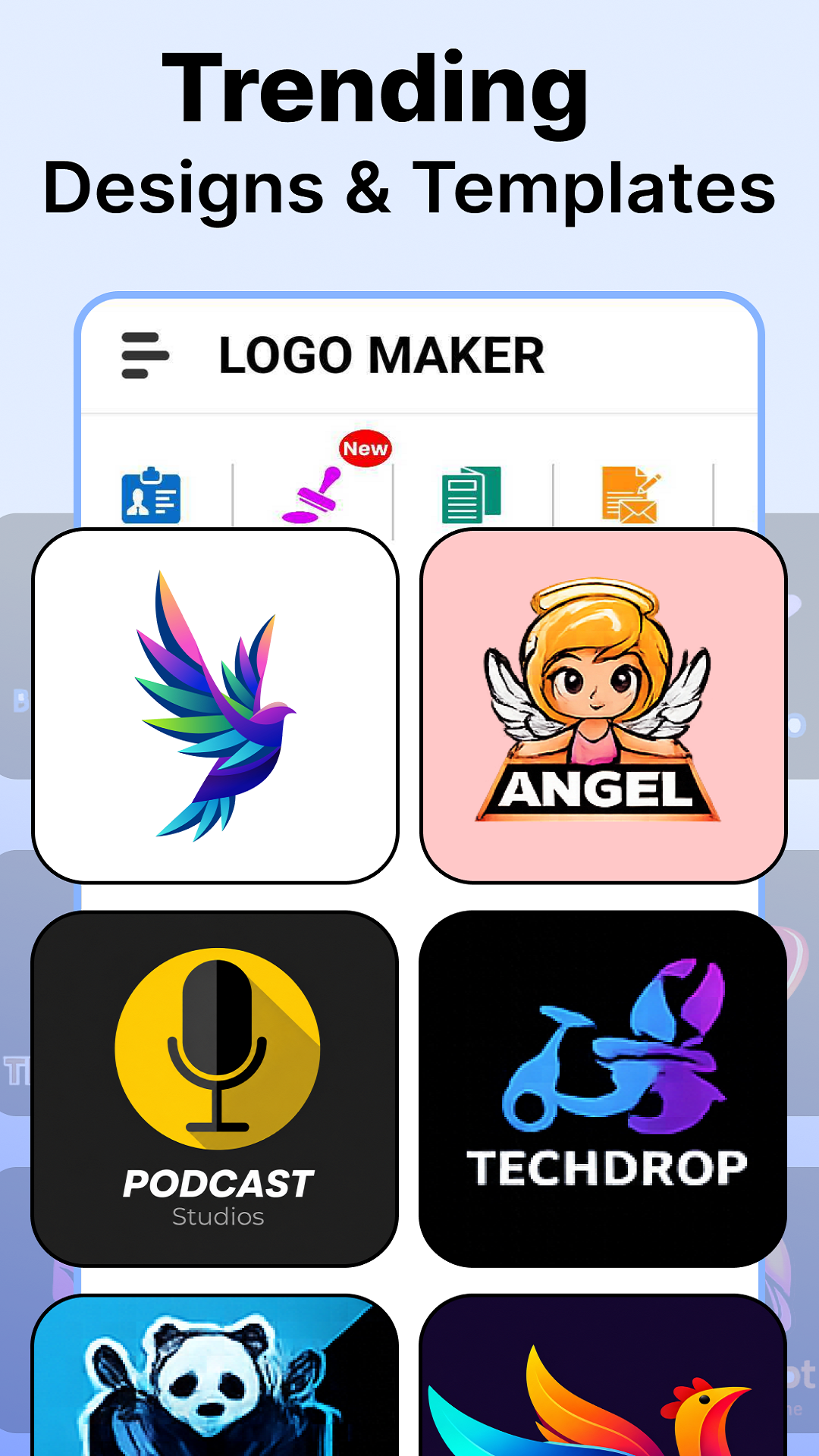
For Android users seeking a creative edge in branding, Logo Maker stands out as a versatile application tailored for designing professional-grade logos and marketing materials. Whether you are a business owner, content creator, or design enthusiast, Logo Maker offers an array of templates, icons, and fonts to help you craft unique and compelling logos effortlessly. The app’s intuitive interface ensures that even beginners can navigate the customization options with ease, making it an ideal tool for anyone looking to establish a distinctive brand identity.
Screenshots
5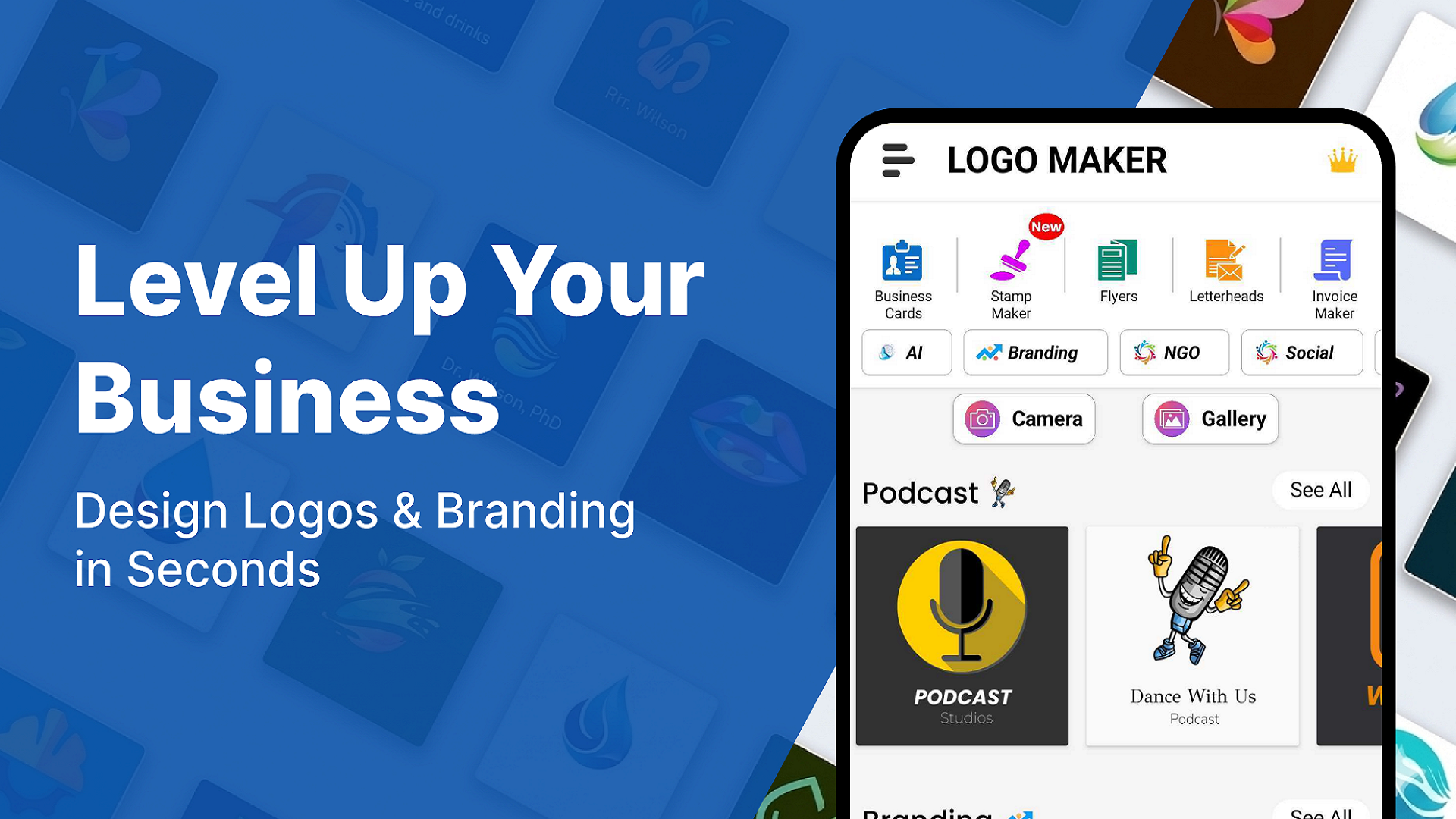
Technical Information
- Versionv1.80
- App size55.84 MB
- CategoryWork & Study
- Package namecom.abl.logo.maker.esports.gaming.logo.creator.app
- DeveloperAppbotics Lab
- LanguageEnglish
- Updated2026-11-16
How to Download & Install
- 1
Tap the Download APK button below
- 2
Allow installing from unknown sources if prompted
- 3
Wait for the download to finish, then install the APK file
- 4
Open the app and start using it
Frequently Asked Questions
What is the latest version?
The latest version is v1.80, updated on 2026-11-16.
How large is the download?
The download is about 55.84 MB. Downloading over Wi-Fi is recommended.
Which category is it in?
It is listed under "Work & Study" and developed by Appbotics Lab.
What is the package ID?
The package ID is com.abl.logo.maker.esports.gaming.logo.creator.app; you can use it to verify the app source before installing.
About this app
Comprehensive Design Toolkit
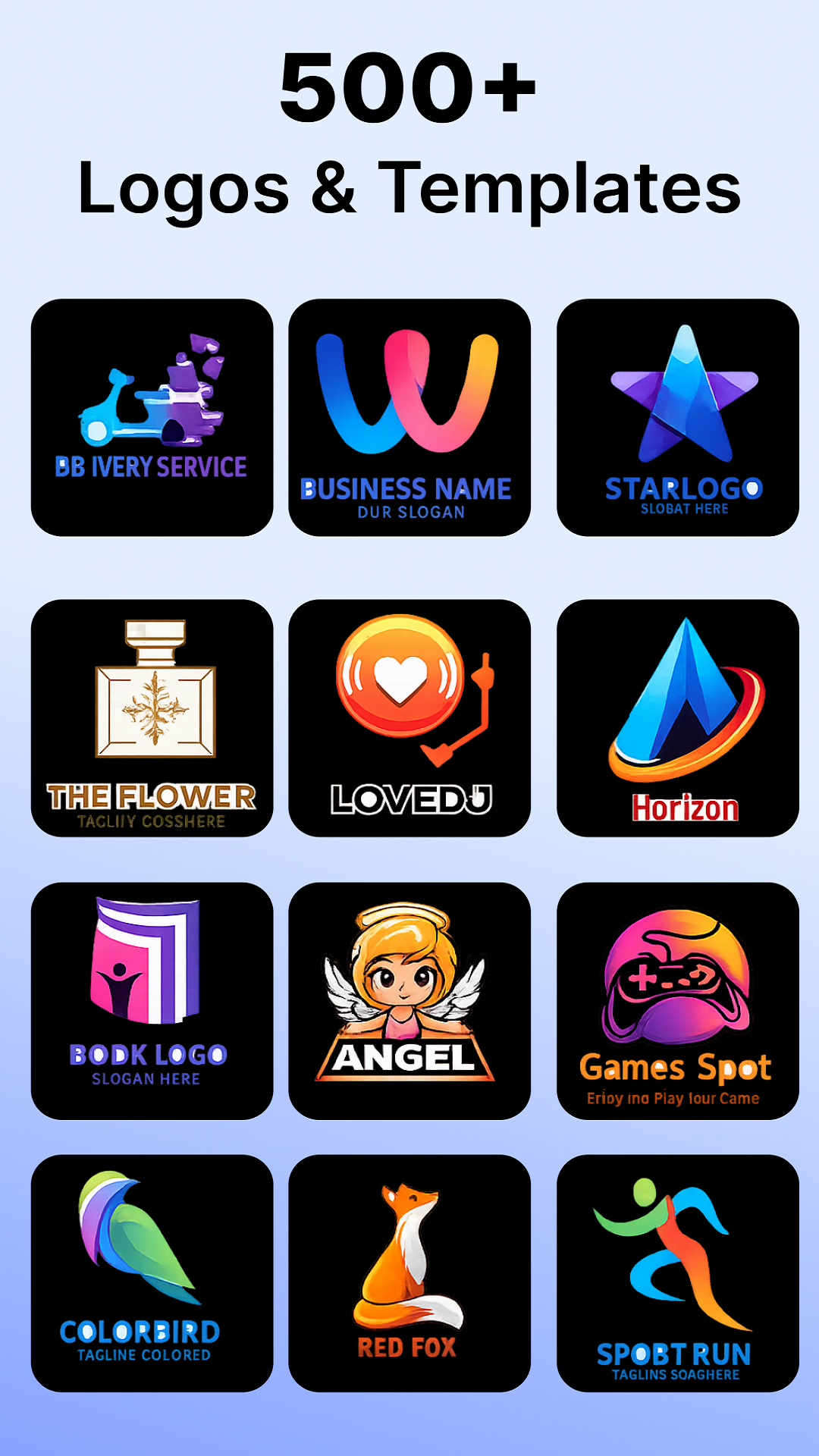
Logo Maker serves as more than just a basic logo creator; it offers an all-in-one graphic design experience. Users can create not only logos but also promotional posters, advertisements, and social media graphics. This application includes thousands of editable templates, ensuring full creative freedom. From dynamic colors and textures to a vast array of icons and modern fonts, each design element can be personalized to resonate with your brand's aesthetics.
User-Friendly Design Editor
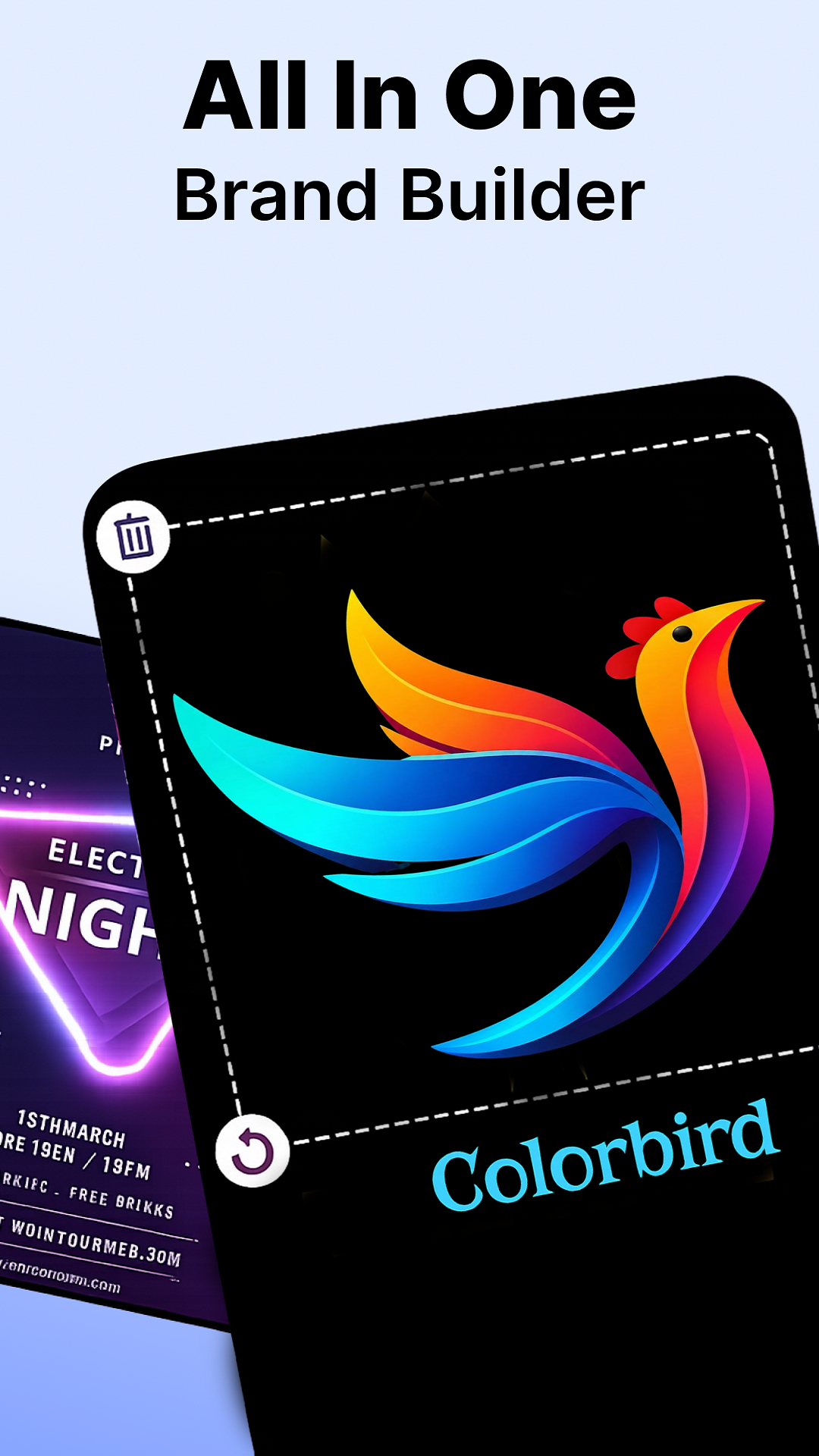
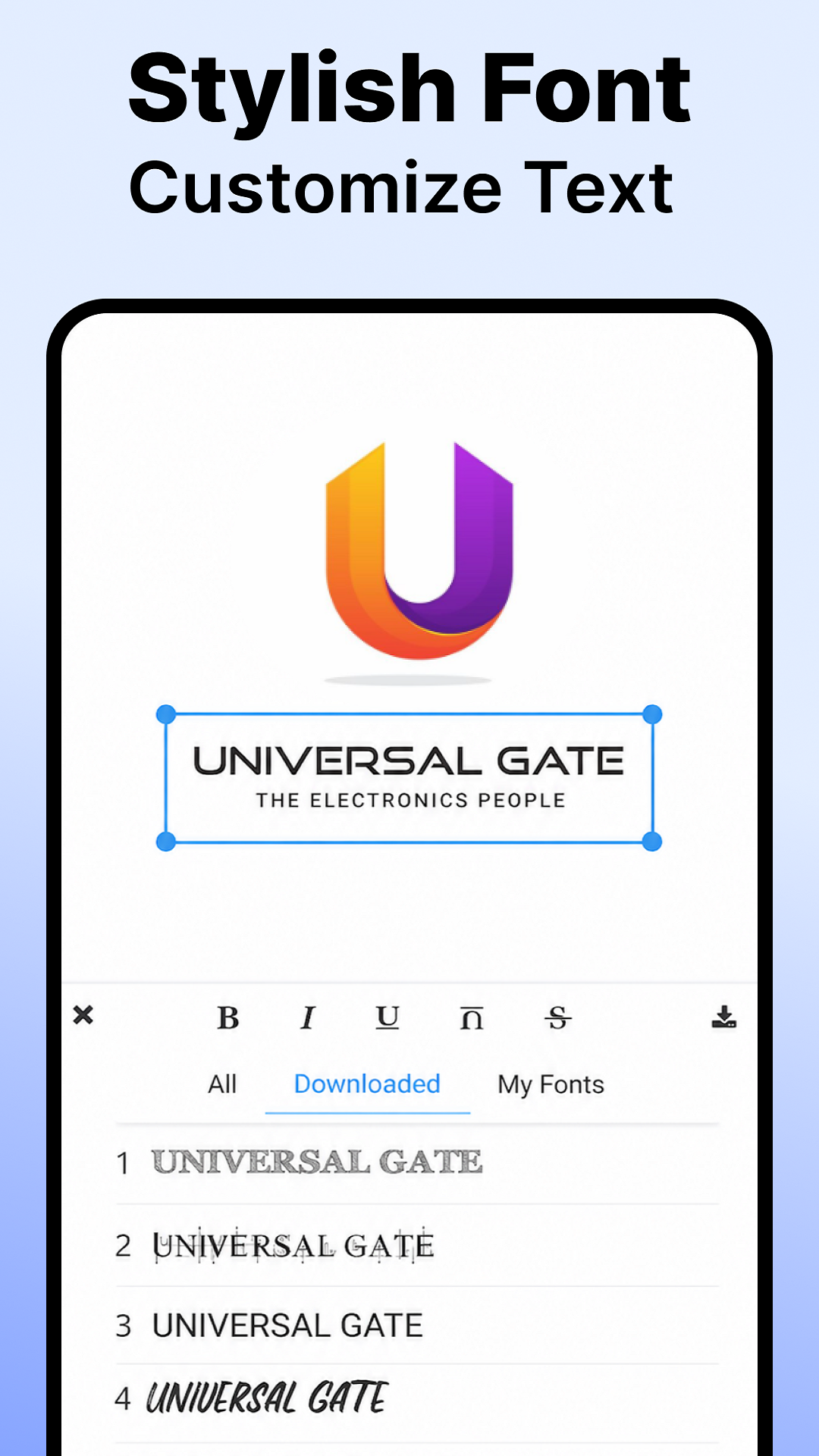
One of Logo Maker's key strengths is its robust editing capabilities. With an advanced logo editor, users can modify every component, including colors, text layouts, and graphic elements, without requiring a background in design. The layer-based editing system allows for precise adjustments, making it simple to play with various styles and configurations. The user-centric features such as undo/redo further enhance the creative flexibility, offering an uncomplicated design process.
Adaptable for Various Uses
Logo Maker is adept at catering to a wide array of design needs, whether for business, gaming, or personal use. The app adapts seamlessly to different scenarios, allowing users to create both minimalistic and elaborate logos. Additionally, it supports a fast and efficient workflow, enabling users to develop high-quality designs with minimal effort and time investment. This flexibility makes it a smart choice for anyone looking to build a strong and professional brand presence.
Effortless Brand Building
In today's competitive market, establishing a brand without breaking the bank is crucial. Logo Maker empowers users by eliminating the need to hire expensive designers. It provides immediate access to professional design tools and graphics, enabling you to launch your brand effectively. The intuitive AI logo generator aids in producing standout designs, thus helping you turn your branding ideas into reality.
Get Started with Logo Maker
Logo Maker offers a comprehensive solution for Android users aiming to create personalized and impactful logos and brand materials. With its diverse design capabilities and user-friendly interface, this app simplifies the brand creation process for both novices and experts. Whether you're setting up a new business or enhancing your online presence, Logo Maker is a valuable tool in your design arsenal. To explore its full potential, visit Apkmody for the latest APK download and start designing today.
Related Apps
See more